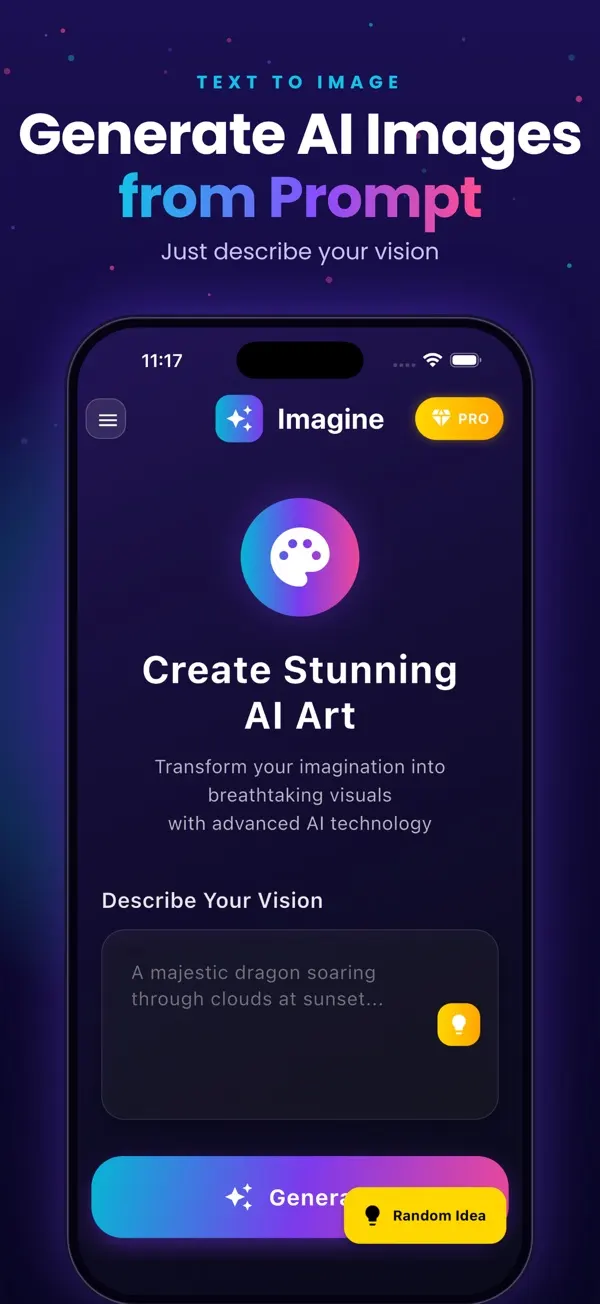
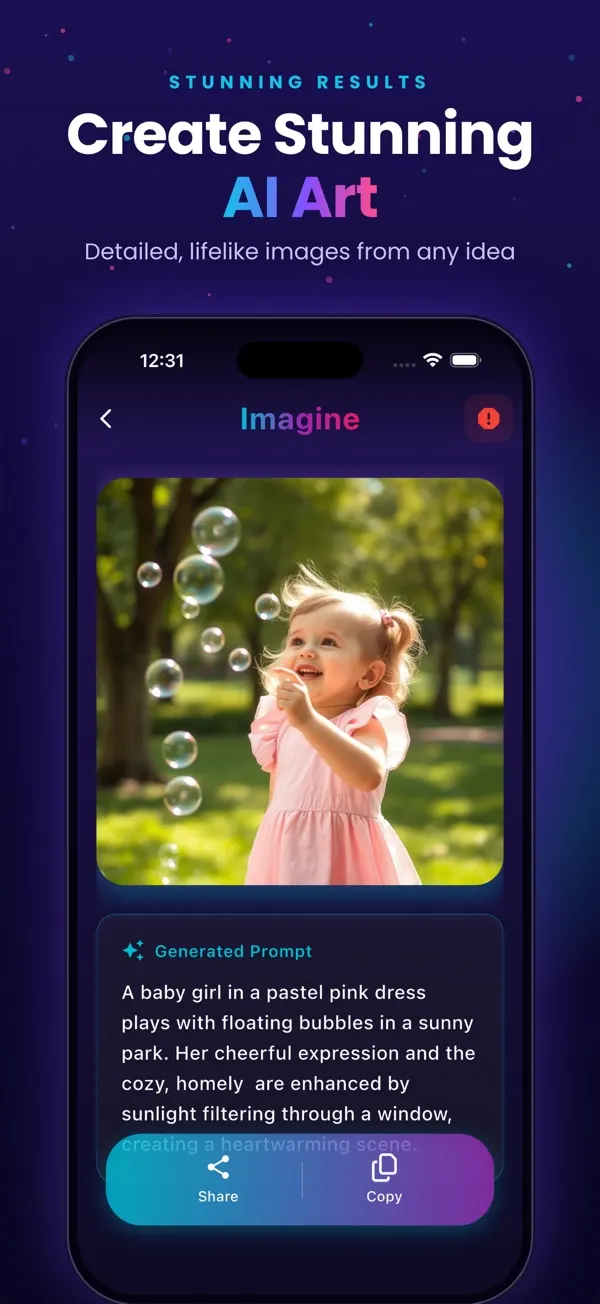
Screens are examples.
Short answer: Imagine (listed on the App Store as "Generate AI Images") is free to download and gives you 3 images to start, with no credit card needed. Free images carry a watermark and the free tier shows ads. Paid options remove both.
What does the free tier include?
- 3 images to start, so you can test real prompts.
- Ready-made prompts to begin from, or your own text.
- A History of everything you generate.
- Sharing to apps such as Instagram and WhatsApp.
- Sign in with Apple or Google.
Free images have a watermark, and you will see ads. Because the image is a square, 1024x1024 pixels, you may crop it before using it as a wallpaper or post.
What does paid add?
| Option | What changes |
|---|---|
| Remove Watermark (one-time) | Takes the watermark off your images |
| Weekly, Monthly or Yearly | More images per period, plus no ads and no watermark (premium) |
Exact prices and image counts are on the pricing page. Prices vary by country.
How far do 3 free images go?
Enough to judge the style and see how your wording affects the result, not enough for a big project. Spend them well: write one detailed prompt per image instead of testing vague ideas. Our prompt ideas are a good starting list, and how to use Imagine shows the flow.
Is a free AI image generator safe to use?
Check the App Store privacy label on any app before you sign in, and read the app and App Store terms yourself. If you plan to sell or print results, check the terms of the app, Apple and the marketplace first; we cannot give legal advice.
Free versus paid: which fits you?
- Just curious: stay on the 3 free images.
- Want clean images from time to time: consider the one-time Remove Watermark purchase.
- Generate often: a subscription gives a regular allowance with no ads.
To compare other apps, see the best AI image generator apps for iPhone, or the text to image app overview.
What should I look for in any free AI image generator?
Free offers differ a lot, so read the details before you invest time. Ask these questions about any app, including this one.
- How many free images? Some apps give a handful, others a daily allowance.
- Is there a watermark? A watermark can make an image unusable for some purposes.
- Are there ads? Ads are normal on free tiers but can slow you down.
- Is a card needed? A free start without a credit card is easier to try safely.
- What happens at the limit? Check whether it asks for a subscription or a one-time purchase.
How do I make the free images count?
Plan before you tap generate. Pick the one idea you care about most, write it as a detailed sentence with subject, setting, light and style, and save any result that is close. Copy a proven prompt from our 30 prompt examples rather than starting from nothing. If an image is almost right, note what to change for next time. The free tier is best treated as a test drive: it tells you whether the style suits you before you decide to pay for anything.
What are common questions about free limits?
Many people ask whether the free images reset. The App Store listing describes 3 images to start, so plan as if they are a one-time trial. Another frequent worry is hidden charges. Nothing is charged unless you confirm a purchase on the Apple payment sheet, and you can review or cancel any subscription later in Settings. If a free app asks for a card before showing you anything, that is a signal to slow down and read the terms.
It also helps to decide your goal first. A wallpaper, a birthday card and a logo idea all need different prompts, and trying to cover all three with 3 images wastes them.
Frequently asked questions
Is Imagine really free?
It is free to download and includes 3 images to start, with a watermark. Free use shows ads.
Do I need a credit card to start?
No. The 3 free images need no credit card.
Can I remove the watermark without a subscription?
Yes. There is a one-time Remove Watermark purchase. Check the App Store page for the current price in your country.
Why does the free version show ads?
Ads help support the free tier. Premium subscriptions remove them.
What happens after my 3 free images?
You can buy Remove Watermark or a plan to keep generating. The pricing page lists the options.
Related pages
- Imagine: AI Image Generator for iPhone
- Imagine pricing and plans
- Text to image app for iPhone
- How to use Imagine, step by step
- AI prompt ideas to copy and paste
- Blog: best AI image generator apps for iPhone
- Blog: how text-to-image works
- Blog: 30 AI image prompt examples
- Blog: make a poster from text
- All Imagine articles (blog hub)
About the author
Praful Deshmukh is the founder of AppVeda Software, which builds and publishes Imagine and other iPhone apps. His apps on the App Store
 FakeSpotSpot AI-generated & fake photos
 ImagineTurn text into stunning AI art
 AI Skin ScannerScan your skin from a selfie
 India AQILive air quality for Indian cities
 AI Video DetectorIs that clip real or AI?