Quick answer: Below are 30 copy-and-paste prompts in eight groups: portraits, products, posters, landscapes, food, interiors, fantasy and social media. Each names a subject, a style and light. No prompt guarantees a result, so treat them as starting points and change one detail at a time.

3 free AI images. After that, a subscription with credits: $9.99/month or $89.99/year (local price shown in the App Store).
Good prompts are specific about subject, style and light. Here are 30 you can copy straight in. If you want the reasoning behind them, read how text to image works. Each line includes a one-line note on why it tends to help. None guarantees a particular result, so generate a couple of images and adjust.
How are these prompts built?
Most follow the pattern subject + setting + style + light + composition. When a prompt misses your idea, change just one part. You can try them in Imagine (3 free images) or any other text-to-image tool, and our comparison of AI image generator apps helps if you are still choosing.
What are 30 AI image prompts that work?
Portraits
an elderly fisherman with a weathered face, soft overcast light, shallow depth of field, documentary photo style
Age, light and photo style give the face a clear mood.a young woman laughing in a sunlit cafe, 85mm portrait, warm tones, blurred background
A lens hint and blurred background push toward a portrait look.a child in a yellow raincoat jumping in a puddle, bright colors, children's book illustration
A clear action plus an illustration style keeps it playful.a dancer mid-turn on a dark stage, single spotlight, motion blur on the dress, cinematic
One light source and motion give drama.
Products
a ceramic coffee mug on a wooden table, morning light, minimal background, product photo
Simple surface and light mimic catalogue photos.a pair of white sneakers floating on a pastel pink background, studio lighting, clean shadow
A plain colour background suits ads and mockups.a glass bottle of perfume on a marble block, soft reflections, luxury advertising style
Material words (glass, marble) guide the surface look.a handmade candle with a small flame beside dried flowers, cozy warm light, close-up
A small supporting prop sets the scene.
Posters
a retro travel poster of a mountain village, flat colors, big sky with empty space at the top
Asking for empty space leaves room for real text later.a bold abstract music festival poster, neon gradients, vertical layout, no text
Saying "no text" avoids garbled lettering.a minimalist movie poster of a lone astronaut on a red desert, wide empty sky
One subject and a lot of space reads well from far away.a vintage bakery sale poster background, cream paper texture, wheat illustrations around the edges, blank center
A blank center is where you place your own sale text.
Landscapes
a misty pine forest at sunrise, golden rays through trees, wide angle, photorealistic
Time of day plus atmosphere sets the mood.a turquoise lagoon seen from above, white sand, a small wooden boat, drone photo
A viewpoint (from above) changes composition strongly.snow-covered mountain village at dusk, lit windows, deep blue sky, oil painting
Warm windows against blue sky give contrast.desert dunes at sunset, long shadows, rippled sand, minimal composition
Shadows and texture add depth with few elements.
Food
a bowl of ramen with steam rising, soft side light, close-up, appetizing food photography
Steam and side light make food look fresh.a stack of pancakes with berries and maple syrup, rustic wooden table, overhead shot
An overhead angle is a classic food composition.colorful fruit tart on a white plate, bright natural light, shallow depth of field
Bright natural light flatters colours.
Interiors
a bright Scandinavian living room, light wood floor, large window, green plants, wide shot
A named style gives consistent furniture and colours.a cozy reading nook with a velvet armchair and warm lamp, evening, rain on the window
Mood details (lamp, rain) create atmosphere.a modern kitchen with white cabinets and brass handles, morning sunlight, architectural photo
Specific materials guide the look.
Fantasy
a floating island with a waterfall and a tiny castle, golden hour, epic fantasy concept art
Scale contrast makes it feel grand.a friendly dragon curled around a lantern in a snowy forest, storybook illustration
A gentle subject with warm light feels storybook-like.a glowing blue forest at night with tiny lights, magical, soft mist, wide shot
One dominant colour keeps the scene unified.a steampunk airship above clouds, brass details, dramatic sunset, detailed painting
Genre words plus lighting set the style.
Social media
a flat lay of a notebook, coffee and a plant on a beige background, soft shadows, square
Square flat lays fit feed posts.a bright gradient background in peach and lavender, soft grain, vertical, copy space at the bottom
Copy space leaves room for captions.a cheerful cartoon sticker of a coffee cup with a smile, thick outline, white background
A white background is easy to reuse.a cozy autumn scene with leaves and a scarf on a bench, warm tones, lifestyle photo
Seasonal mood suits seasonal posts.
Common mistakes with prompts
- Stacking too many ideas in one line; the model may drop some.
- Asking for exact text on a poster; letters are often garbled. Ask for empty space and add real text yourself.
- Expecting identical results every time. Variation is normal.
What next?
Pick three prompts, swap in your own subject, and save the wording that works. Related: the Imagine blog and the AppVeda apps.
Imagine: AI Image Generator
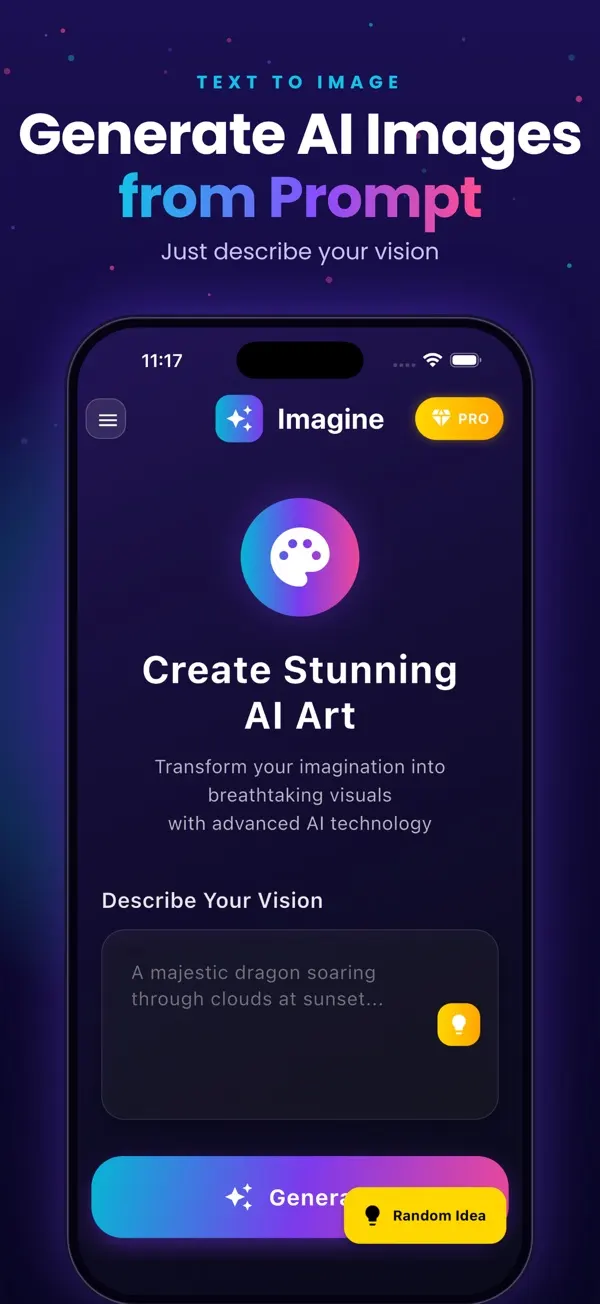
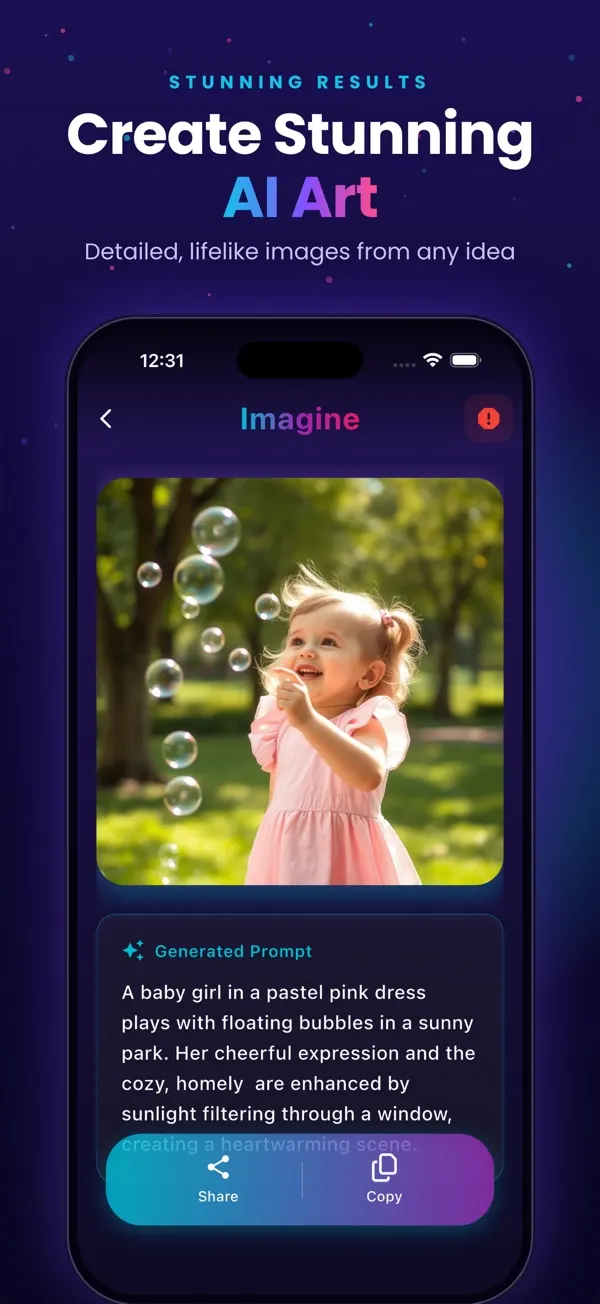
Free to try on the App StoreType an idea and Imagine turns it into high-quality AI art in seconds: posters, social posts, product ideas and more. Free on iPhone.
Download on theApp Store App details →
More from AppVeda Software
- Made an AI image and want to know how it looks to a detector? Try FakeSpot, our AI image detector (3 free checks).
- AppVeda Software also builds AI-powered mobile apps for businesses. See all our apps.
Frequently asked questions
Do these prompts work in any AI image app?
They are written in plain language, so they work as starting points in most text-to-image tools. Results differ between apps and between runs, and no prompt guarantees a specific image.
How do I adapt a prompt to my own idea?
Keep the structure (subject, setting, style, light, composition) and swap one part at a time. For example, change "ramen" to your own dish while keeping the lighting words.
Why include style and light words?
Without them the AI chooses for you. Naming "soft side light" or "watercolor" narrows the result.
How do I get empty space for text?
Ask for it directly: "empty sky at the top" or "copy space at the bottom". Then add the real text later in a normal editing app.
How many images should I generate per prompt?
Two or three. Compare, pick the closest, then refine with one change. This also saves free or credit-based generations.
Related reading
About the author
Praful Deshmukh is the founder of AppVeda Software. He builds and publishes iPhone apps, including FakeSpot and Imagine. More about Praful · His apps on the App Store
 FakeSpotSpot AI-generated & fake photos
 AI Skin ScannerScan your skin from a selfie
 India AQILive air quality for Indian cities
 AI Video DetectorIs that clip real or AI?