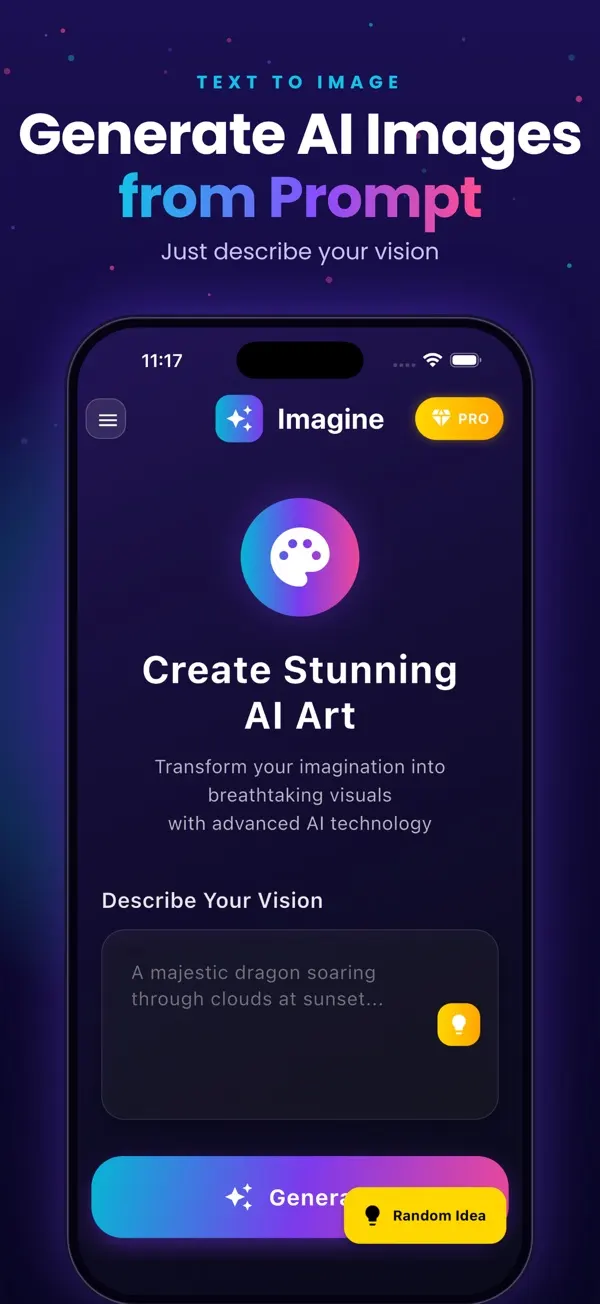
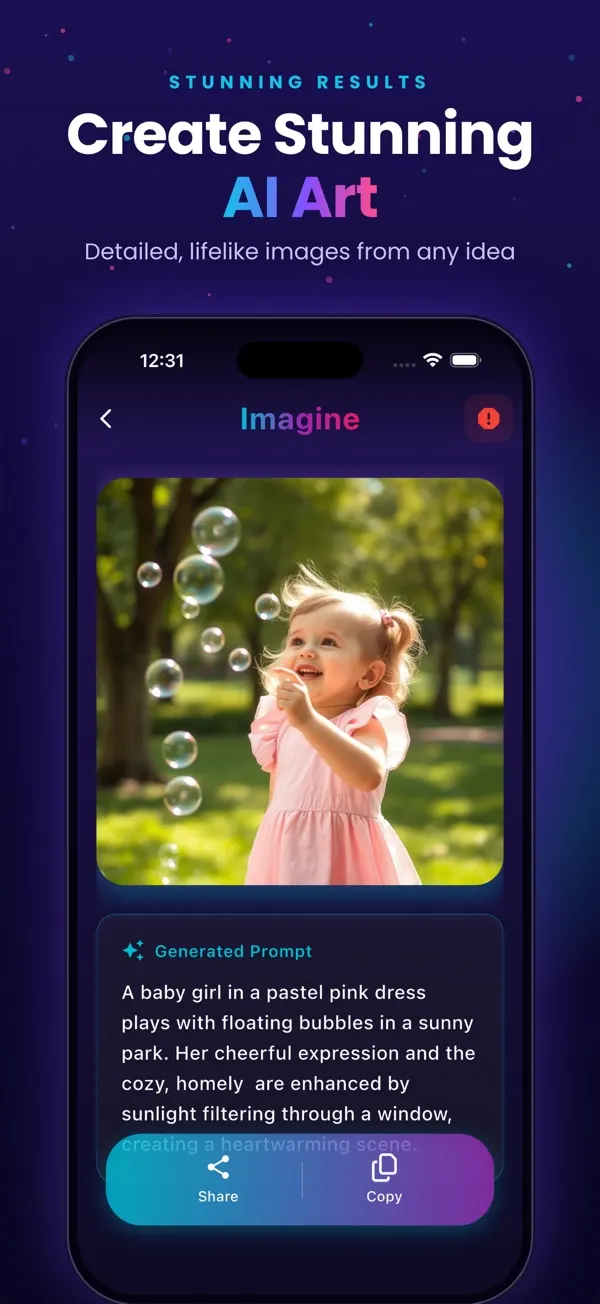
Screens are examples.
Short answer: you can start free with 3 images (with watermark), buy a one-time Remove Watermark, or subscribe weekly, monthly or yearly for more images with no ads and no watermark. Prices below are US App Store prices and vary by country.
What are the Imagine plans and prices?
| Plan | Price (US App Store) | Images |
|---|---|---|
| Free start | $0 | 3 free images (with watermark) |
| Remove Watermark (one-time) | $1.99 | Removes the watermark |
| Weekly | $4.99 | 15 images per week |
| Monthly | $9.99 | 49 images per month |
| Yearly | $39.99 | 100 images per month (3-day free trial for eligible new subscribers) |
Prices can vary by country. The App Store page always shows the current price in your currency.
The App Store page for Imagine (listed on the App Store as "Generate AI Images") always shows the current price in your own currency.
What does each option mean?
- Free start: 3 images, watermark on each, ads shown. No credit card.
- Remove Watermark: a one-time purchase that takes the watermark off. It is not a subscription.
- Weekly, Monthly, Yearly: premium plans with a set number of images per period, no ads and no watermark.
Which plan should I choose?
If you only need a few clean images, the one-time purchase may be enough. If you generate every week, compare the plans by cost per image: the yearly plan lists 100 images per month, the monthly 49 and the weekly 15 per week. Do the maths for your own use before you commit. New subscribers who are eligible can get a 3-day free trial on the yearly plan, which also renews automatically unless cancelled.
How do I cancel on iPhone?
- Open Settings on your iPhone.
- Tap your name at the top, then Subscriptions.
- Choose the Imagine (Generate AI Images) subscription.
- Tap Cancel Subscription and confirm.
Cancel at least 24 hours before renewal, and during a free trial cancel before it ends to avoid being charged. Apple handles billing, so deleting the app does not cancel a subscription.
Where can I learn more first?
See what the free tier includes, how to use the app and the comparison of AI image generator apps.
Are there any extra costs?
Imagine is free to download, and the options above are the only paid items listed on the App Store page. Taxes may be added depending on where you live, and some countries show prices in local currency that do not match a direct conversion. Always check the final price on the Apple payment sheet before you confirm.
How does a free trial work?
If you are an eligible new subscriber, the yearly plan offers a 3-day free trial. During the trial you can use the premium features. When it ends, Apple charges the yearly price unless you have cancelled. A simple habit is to set a phone reminder for the day before the trial ends. Not everyone is eligible for a trial, and Apple decides this based on your account history.
Can I get a refund?
Purchases are handled by Apple, not by the app developer. If something went wrong, you can ask for a refund through Apple. Open the Report a Problem page from your Apple purchase receipt email, then choose the item. Apple decides each request case by case.
How do I compare value fairly?
Divide the price by the images you expect to use. A weekly plan suits a short project, such as a week of party invitations. A monthly plan suits steady use. The yearly plan costs the least per month if you will keep generating all year. If you only want a clean version of an image you already like, the one-time purchase is usually the lightest option. Whatever you choose, remember that results vary and you may need a few tries per finished image, so leave some spare images in your budget.
Frequently asked questions
How much does Imagine cost?
It is free to download. In the US, Remove Watermark is $1.99 one-time, Weekly $4.99, Monthly $9.99 and Yearly $39.99. Prices vary by country.
Is Remove Watermark a subscription?
No. It is a one-time purchase.
How many images do the plans include?
Weekly gives 15 images per week, Monthly 49 per month and Yearly 100 per month.
How do I cancel my subscription?
On iPhone open Settings, tap your name, then Subscriptions, pick the subscription and tap Cancel Subscription.
Is there a free trial?
Eligible new subscribers get a 3-day free trial on the yearly plan. Cancel before it ends if you do not want to be charged.
Related pages
- Imagine: AI Image Generator for iPhone
- Free AI image generator for iPhone: what you get
- How to use Imagine, step by step
- Text to image app for iPhone
- Blog: best AI image generator apps for iPhone
- Blog: how text-to-image works
- Blog: 30 AI image prompt examples
- Blog: make a poster from text
- All Imagine articles (blog hub)
About the author
Praful Deshmukh is the founder of AppVeda Software, which builds and publishes Imagine and other iPhone apps. His apps on the App Store
 FakeSpotSpot AI-generated & fake photos
 ImagineTurn text into stunning AI art
 AI Skin ScannerScan your skin from a selfie
 India AQILive air quality for Indian cities
 AI Video DetectorIs that clip real or AI?