AI Image Detector.
Know What's Real.
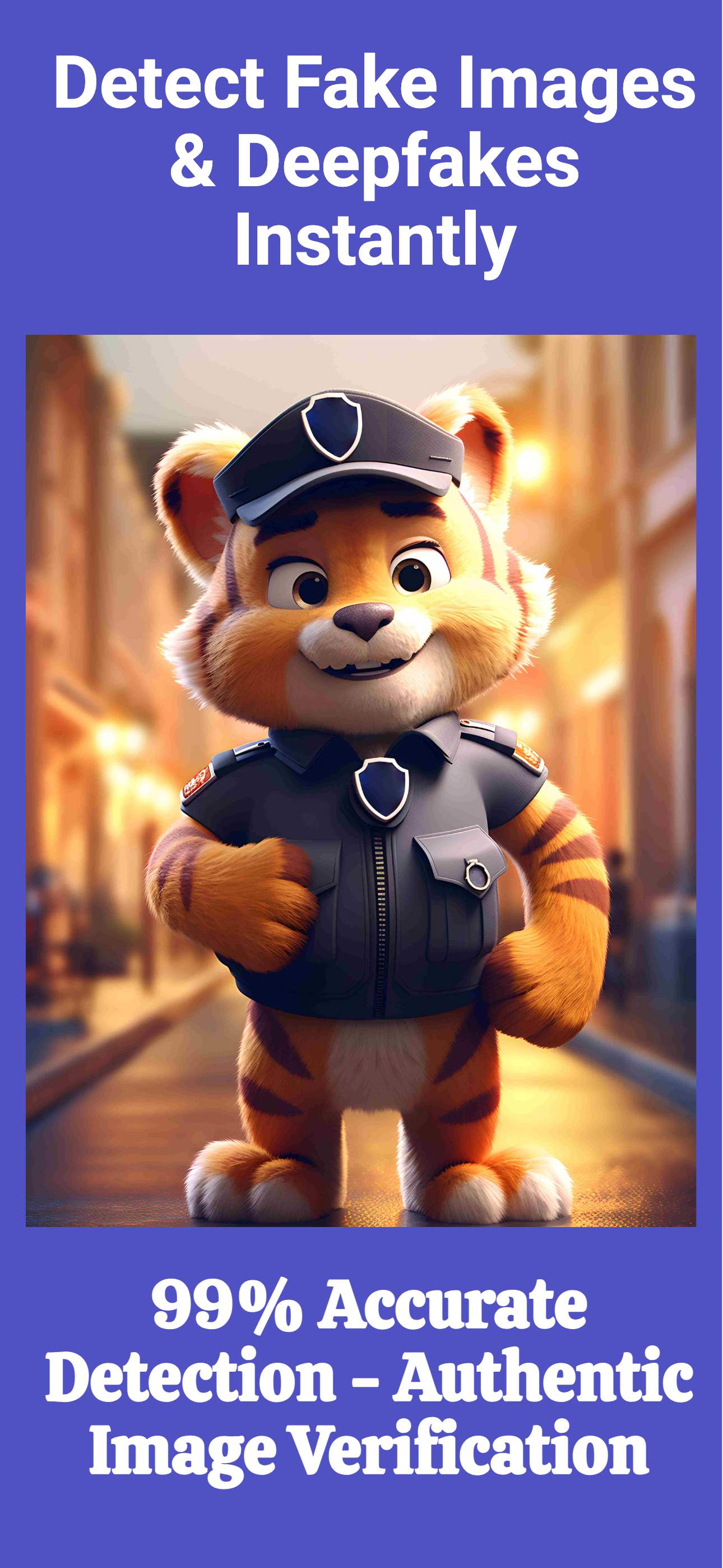
Upload any image and instantly verify whether it was created by AI or captured by a real camera. No subscriptions. No guessing.
Fast Analysis
Results in under 3 seconds
Privacy First
Images never stored or shared
AI Powered
Modern detection engine
One-Time Purchase
Pay once, use forever
No Subscription
No monthly fees, ever
Three steps to the truth.
No complex setup. No learning curve. Open the app, pick an image, get your answer.
Upload Image
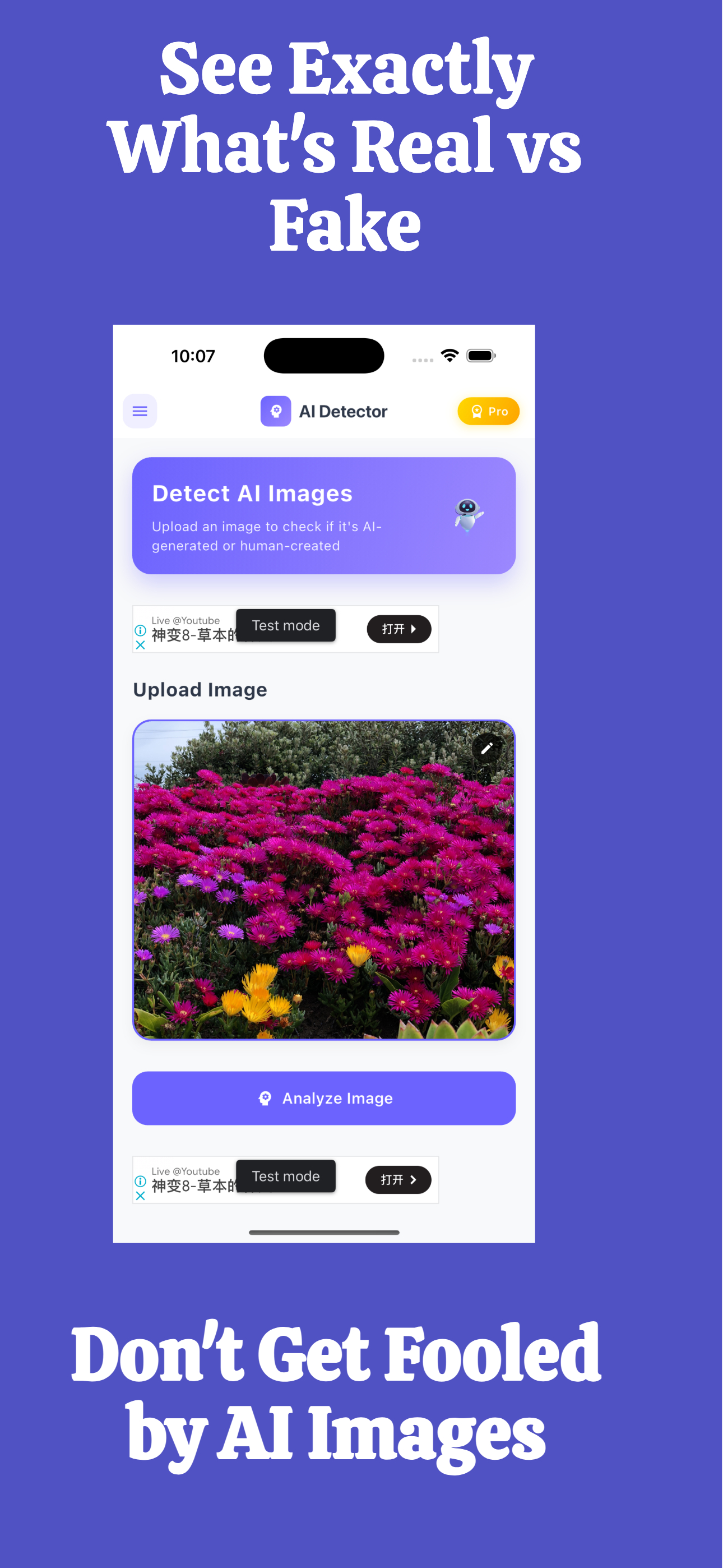
Choose any image from your camera roll or take a live photo. Supports JPG, PNG, HEIC, and WebP formats.
AI Analysis
Our engine scans pixel-level patterns, visual artifacts, and generative model signatures to assess authenticity.
Get Your Result
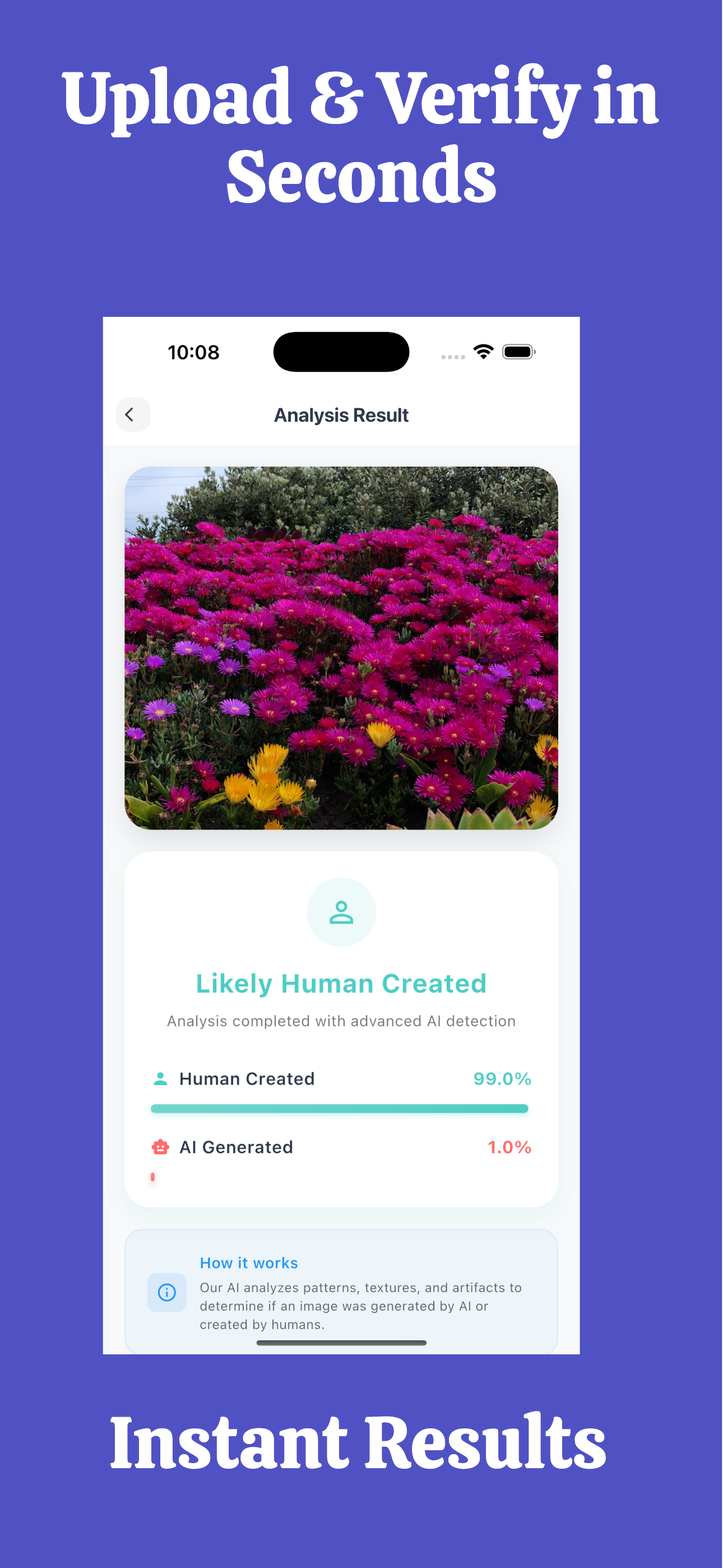
Receive an instant verdict — Real or AI-generated — with a confidence score and probability breakdown.
This is what your result looks like.
FakeSpot gives you a clear probability score — not just a yes or no. You see exactly how confident the AI is, so you can make informed decisions about the image.
Try It Freelandscape_photo.jpg
2.4 MB · Analyzed in 2.1sBuilt for iOS. Feels native.
Everything you need.
Nothing you don't.
Designed to be fast, private, and dead simple to use on any iPhone.
AI Image Detection
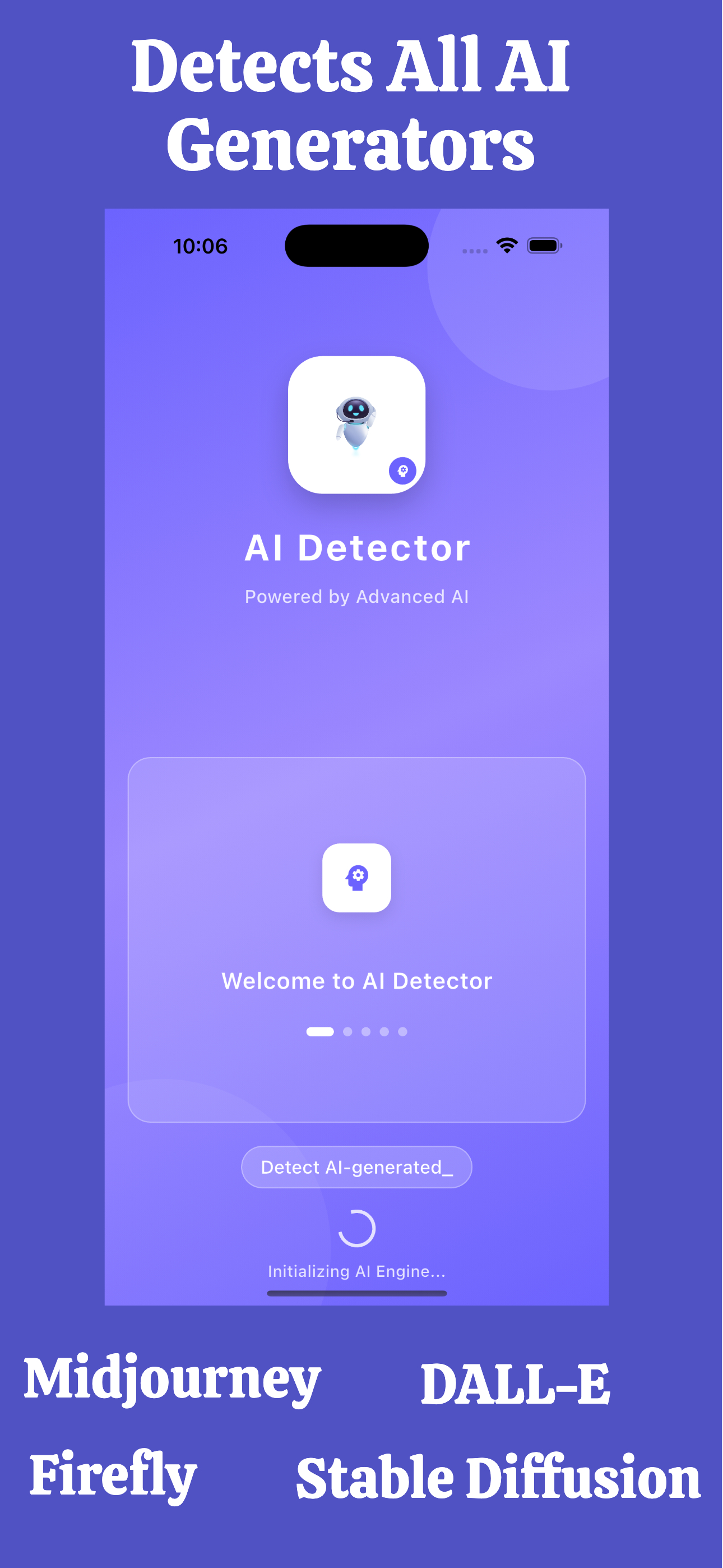
Detect images generated by Midjourney, DALL-E, Stable Diffusion, ChatGPT, and other leading AI tools.
Camera Upload
Snap a photo directly in the app and get an instant analysis without leaving FakeSpot.
Gallery Upload
Pick any image from your camera roll — screenshots, downloads, shared images — analyze all of them.
Instant Analysis
Results delivered in under 3 seconds. No waiting, no buffering, no frustration.
Privacy Focused
Your images are never stored or shared. Analyzed securely and immediately discarded.
Modern AI Engine
Continuously updated to detect the latest AI image generation models and techniques.
Built for anyone who needs the truth.
AI-generated images are everywhere. These people use FakeSpot to stay ahead.
Journalists
Verify image authenticity before publishing a story or report.
Students
Identify AI-generated images in research and academic contexts.
Researchers
Maintain data integrity when working with image datasets.
Content Creators
Ensure your content is original and not flagged as AI-generated.
Businesses
Screen vendor and partner materials for AI-generated imagery.
HR Teams
Verify profile photos and identity documents during hiring.
Designers
Audit stock images and client assets for AI generation before use.
Photographers
Protect your work and call out AI impostors in photography communities.
Don't get fooled by AI images.
In a world where AI can create photorealistic images in seconds, FakeSpot gives you the power to verify before you trust.
Protect Yourself from Scams
Fraudulent AI images are used in romance scams, fake listings, and identity fraud. Verify before you believe.
Verify Before You Share
Stop misinformation at the source. Check an image before forwarding it to friends, family, or followers.
Instant. No Expertise Needed.
You don't need to know what to look for. FakeSpot's AI does the analysis. You just get the answer.
No Subscription. Pay Once.
Unlike competitors, FakeSpot is a one-time purchase. No monthly fees draining your wallet.
Built for the Post-AI World
AI image generators like Midjourney, DALL-E, and Stable Diffusion produce images indistinguishable to the human eye. FakeSpot uses trained models to detect what you can't see — pixel-level artifacts, generative model signatures, and statistical anomalies that reveal the truth.
Start Detecting for Free
Simple. Honest. No tricks.
Start with 30 free checks. Unlock more with a one-time purchase.
Premium purchase available inside the app on the App Store.
Common questions, answered.
How do I detect AI-generated images on my iPhone?
Download FakeSpot from the App Store for free. Open the app, tap Upload, select any image from your gallery or take a new photo, and receive an instant AI vs. real analysis with confidence scores in under 3 seconds.
Does FakeSpot store my photos?
No. FakeSpot is built privacy-first. Your images are never stored on our servers. All analysis is performed securely and your photos are not retained after the detection result is delivered.
Can FakeSpot detect images from ChatGPT, Midjourney, or DALL-E?
Yes. FakeSpot's AI engine is trained to detect images generated by leading AI tools including ChatGPT (DALL-E 3), Midjourney, Stable Diffusion, Adobe Firefly, Ideogram, and other modern AI image generators.
How accurate is FakeSpot's AI detection?
FakeSpot uses a modern AI engine trained on millions of real and AI-generated images. Every result includes a confidence score so you always know how certain the detection is. The model is continuously updated to stay current with new AI image generators.
Is FakeSpot a subscription or a one-time purchase?
FakeSpot is free to download and includes 30 free detection checks. The premium pack is a one-time in-app purchase — 79 AI checks and no ads. There are no monthly fees or subscriptions, ever.
Does FakeSpot work offline?
FakeSpot requires an internet connection to perform AI image analysis. The detection is powered by a cloud-based AI engine to ensure maximum accuracy and access to the latest model updates.
What image formats does FakeSpot support?
FakeSpot supports all common image formats including JPG, PNG, HEIC (iPhone native), and WebP. If you can view it in your iPhone gallery, FakeSpot can analyze it.
Start detecting AI images
for free, today.
Download FakeSpot on the App Store. Get 30 free checks instantly. No credit card required.