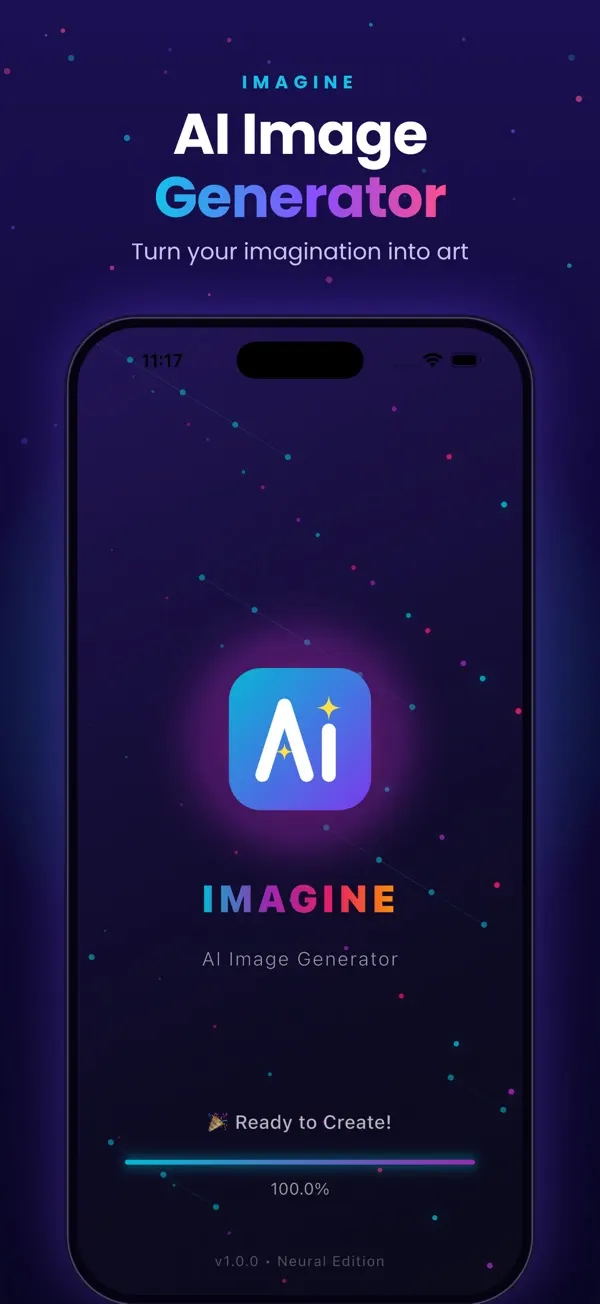
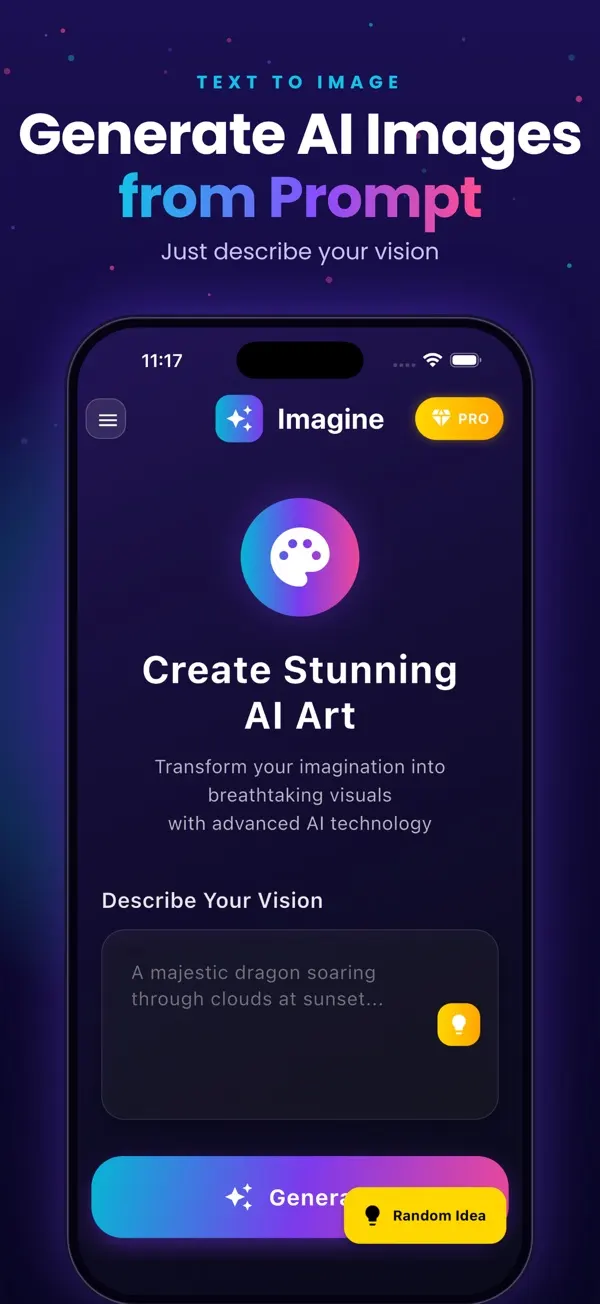
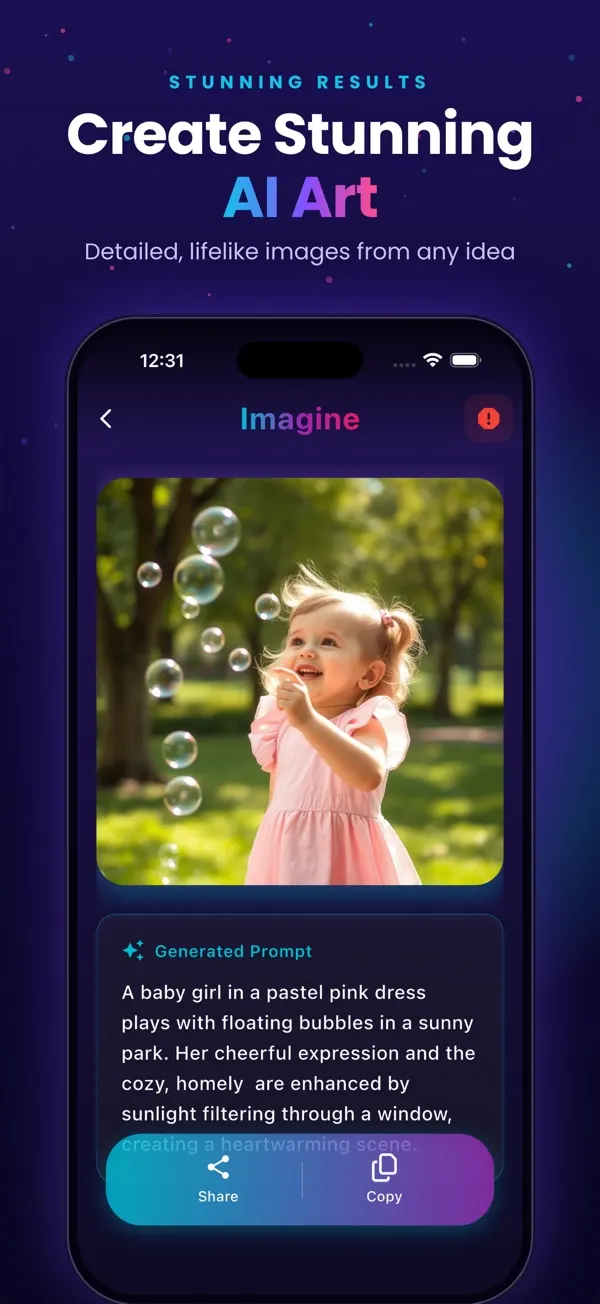
Screens are examples.
Short answer: a good prompt names a subject, a setting, the light and a style. The prompts below do that, grouped by use. Paste one into Imagine (listed on the App Store as "Generate AI Images") and change a word or two to make it yours. Results vary and may need several tries. The image is a square, so you may need to crop it in Photos or another app.
Why do these prompts work?
They are specific without being long: one subject, one mood, one style. For more examples and the reasons behind them, see 30 AI image prompt examples. If you are new to the app, start with how to use Imagine.
Wallpaper prompts
- a misty mountain valley at sunrise, soft pastel colors, minimal
- deep blue ocean waves seen from above, calm, abstract
- a quiet night sky full of stars over a lone pine tree
- golden desert dunes at dusk, smooth ripples, warm light
- cherry blossom branches against a pale pink sky, soft focus
- neon purple and teal gradient waves, smooth, modern
Card prompts
- a watercolor bouquet of wildflowers with empty space for text
- a cozy winter window with snow falling, warm lamp light, illustration
- balloons and confetti on a soft yellow background, flat style
- a thank you card with a simple green leaf border, minimal
- a lantern glowing in a dark garden, festive, painterly
Anime and illustration prompts
- an anime style girl reading under a cherry tree, soft light
- a young swordsman on a cliff at sunset, anime style, dramatic sky
- a cozy anime cafe on a rainy evening, warm windows
- a fantasy village on floating islands, bright colors, illustrated
- a robot gardener watering flowers, Studio-style soft palette
Logo concept prompts
- a simple flat fox logo concept, orange and cream, white background
- a minimal mountain and sun emblem, two colors
- a rounded coffee cup icon concept, friendly, flat
- a geometric owl mark, navy and gold, clean lines
Home art prompts
- abstract terracotta and sand shapes, boho wall art, soft texture
- a calm line drawing of a vase with eucalyptus, neutral tones
- a vintage style botanical illustration of ferns
- a moody ocean at dusk, oil painting style, large canvas look
- minimal Japanese style ink mountains, lots of white space
Kids prompts
- a friendly cartoon dinosaur eating ice cream, bright colors
- a small rabbit astronaut on a smiling moon, storybook style
- a teddy bear picnic in a sunny meadow, gentle illustration
- a happy train carrying animals through hills, children book style
- a sleepy cloud with a night light, pastel bedtime scene
Social media prompts
- a flat lay of coffee, notebook and plants, warm morning light
- a bold gradient background with soft shapes for a quote post
- a cozy reading corner with a blanket and tea, photo style
- a futuristic city skyline at night, cinematic, wide feel
- a minimal desk setup with a laptop and a small plant
- a dreamy pastel clouds scene for a story background
How do I change a prompt to get a different result?
- Swap the style word: watercolor, flat illustration, oil painting, photo.
- Change the light: sunrise, soft morning, neon night, warm lamp.
- Change the color palette: pastel, navy and gold, black and white.
- Add "minimal" or "lots of empty space" if you plan to put text on top.
What should I keep in mind?
Do not expect readable words inside the image; add text in another app. Logo prompts give concept ideas, not final brand assets. If you plan to sell or print results, check the terms of the app, Apple and the marketplace yourself. For wallpapers see the AI wallpaper maker guide, and for posters make a poster from text. More guides are on the blog.
How can I build my own prompts?
Use a simple formula: subject, setting, light, style, mood. Start with "a lighthouse", add "on a cliff at sunset", then "dramatic clouds", then "oil painting style". Each part narrows the result. Once you find a pattern you like, keep it and change only the subject.
Frequently asked questions
What is an AI image prompt?
It is the text description you give an AI image generator. The clearer and more specific it is, the closer the result tends to be.
How long should a prompt be?
One or two sentences is usually enough: a subject, a setting, light and a style.
Can I reuse these prompts?
Yes, copy them freely and adjust them. Results differ each time, so try a few versions.
Why does text in my image look wrong?
AI image generators often misspell text. Generate the picture, then add words in another app.
Do I need to pay to try these?
You get 3 free images to start in Imagine, with a watermark. See the pricing page for paid options.
Related pages
- Imagine: AI Image Generator for iPhone
- How to use Imagine, step by step
- AI wallpaper maker for iPhone
- Text to image app for iPhone
- Free AI image generator for iPhone: what you get
- Blog: best AI image generator apps for iPhone
- Blog: how text-to-image works
- Blog: 30 AI image prompt examples
- Blog: make a poster from text
- All Imagine articles (blog hub)
About the author
Praful Deshmukh is the founder of AppVeda Software, which builds and publishes Imagine and other iPhone apps. His apps on the App Store
 FakeSpotSpot AI-generated & fake photos
 ImagineTurn text into stunning AI art
 AI Skin ScannerScan your skin from a selfie
 India AQILive air quality for Indian cities
 AI Video DetectorIs that clip real or AI?