Quick answer: There is no single best app for everyone. Compare free limits, credits versus unlimited use, subscription terms, content rules and export quality before you pay. This guide compares five iPhone apps using only what their App Store listings show as of November 2026. Full disclosure: we make Imagine, one of the apps listed.

3 free AI images. After that, a subscription with credits: $9.99/month or $89.99/year (local price shown in the App Store).
Search the App Store for "ai image generator" and you will see dozens of apps that look alike. This guide compares a handful using only facts visible on their public listings, so you can decide with real information. Disclosure: we at AppVeda Software make Imagine, so we include it using the same kind of facts. Everything below is "as of November 2026"; prices, ratings and features change, so always confirm on the live listing.
Which AI image generator apps are on the iPhone App Store?
These came up in the US App Store search for "ai image generator". The rating count is the figure shown in search results on the day we checked, and it will have moved since. We list what each seller states and nothing more.
| App | Price model (listing) | Stated features | Rating count shown |
|---|---|---|---|
| DaVinci - Image Generator AI | Free to download; weekly, monthly and yearly plans for some features | Art, photos and video from text or images; logo, tattoo, signature and avatar designs | 75,659 |
| AI Photo Generator: ARTA | Free to download; Premium subscription (weekly or annual), optional free trial | Photo and video generator and editor, filters, photoshoots, image editing | 81,589 |
| AI Image Generator Yume | Free to download; weekly auto-renewing subscription with 3-day free trial | Text-to-image, multiple styles, high-resolution export | 8 |
| AI Image Generator - Monet | Free to download | Text-to-art, 10+ styles, several AI models, save and share | 771 |
| Leonardo.Ai - Image Generator | Free to download | Image and video generation, templates, camera controls, AI editing | 11,349 |
| Imagine: AI Image Generator (ours) | 3 free images, then $9.99/month or $89.99/year subscription with credits | Turns text into AI images | See the App Store listing |
General assistants such as ChatGPT, Google Gemini and Grok also list image generation among their features. They are broader apps, so the experience is different from a dedicated image app; compare them with the same checklist.
How do I choose an AI image generator app?
Run through these five questions before you pay for anything.
- What is free, exactly? A number of images, a trial period, or limited features? Imagine, for example, gives 3 free images and then asks for a subscription.
- Credits or unlimited? Credits are predictable. Unlimited sounds simpler, but read what it includes.
- Subscription terms. Weekly plans can cost more over a month than they first appear. Check the billing period, the trial and how to cancel.
- Content rules. Good apps restrict harmful or deceptive content. Read the rules so you know what you can and cannot make, and who owns or may use the results.
- Export quality. If you plan to print or use images in a design, check the stated resolution and file options, then test with one image first.
How should I test two apps fairly?
Use the same prompt in each app, for example: a cozy reading corner by a window on a rainy day, soft warm light, illustration style. Make three images in each, compare how closely they follow your words, and note how long each took and what each cost. Free allowances differ, so keep the test small.
What about Imagine?
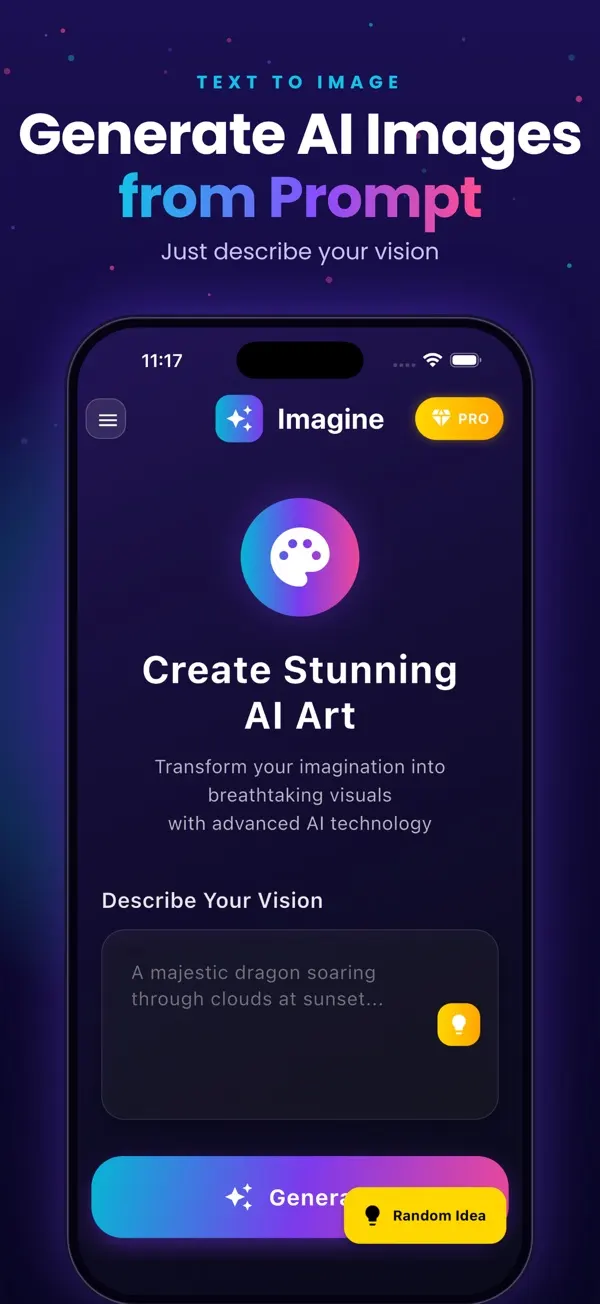
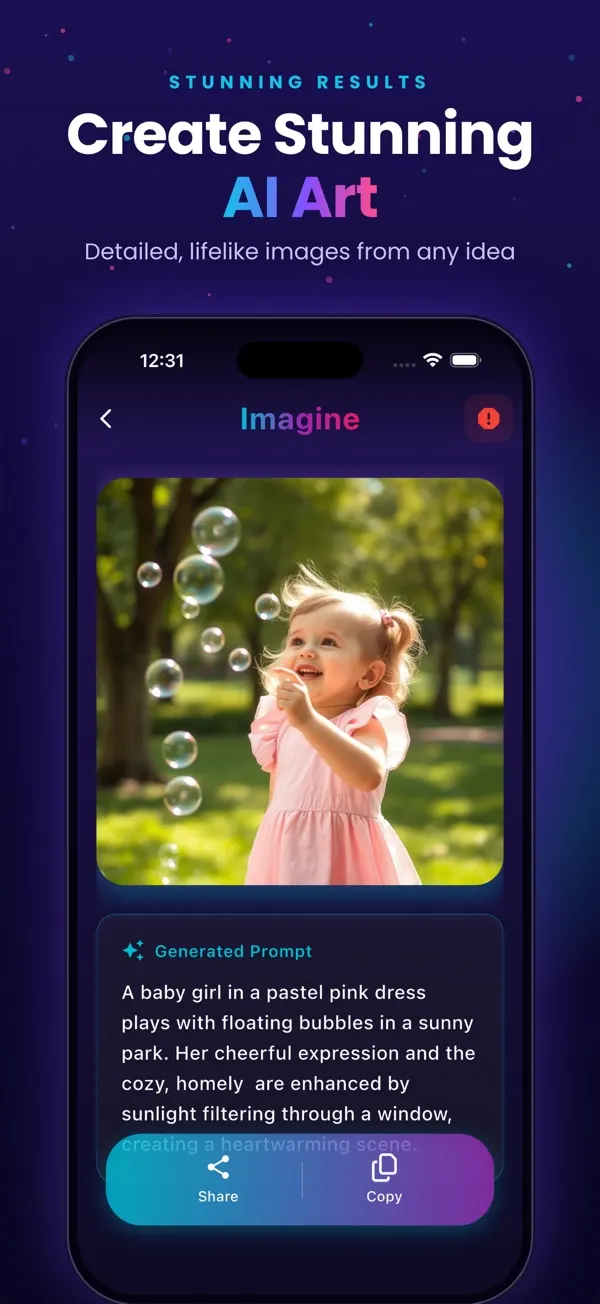
Imagine is our app. It turns a text description into an AI image. You get 3 free images, then a subscription with credits at $9.99/month or $89.99/year (your local price appears in the App Store). See the Imagine page or the App Store listing and judge it with the same checklist as the others. We are not claiming it is the best; the 3 free images are there so you can find out for yourself.
Common mistakes when choosing
- Choosing by rating count alone. A big number shows popularity, not that the app fits your task.
- Ignoring the auto-renewing trial. Set a reminder before the trial ends.
- Judging an app on a single image. Results vary even with the same prompt.
- Skipping the content and usage rules, especially if the image is for business use.
What next?
Pick two apps, run the same three prompts, and keep the one that gives you the most useful results for the least cost. For more guides see the Imagine blog and our other apps.
Imagine: AI Image Generator
Free to try on the App StoreType an idea and Imagine turns it into high-quality AI art in seconds: posters, social posts, product ideas and more. Free on iPhone.
Download on theApp Store App details →
More from AppVeda Software
- Made an AI image and want to know how it looks to a detector? Try FakeSpot, our AI image detector (3 free checks).
- AppVeda Software also builds AI-powered mobile apps for businesses. See all our apps.
Frequently asked questions
What is the best AI image generator app for iPhone?
It depends on what you need. Casual users usually care about the free allowance and how the subscription works; designers may care about styles and export size. Use the checklist above and test the free tier of two or three apps with the same prompt.
Are AI image generator apps free?
Most are free to download, but many limit free use and ask for a subscription or in-app purchase to continue. The App Store listing shows in-app purchases under the Information section. Imagine gives 3 free AI images, then uses a subscription with credits.
Credits or unlimited: which is better?
Credits suit occasional use because you know how much you can make. Unlimited plans suit heavy use, but read what "unlimited" covers, since fair-use limits or slower queues can apply. Check the listing text before you subscribe.
How do I avoid being charged by mistake?
Note the price and billing period (weekly, monthly or yearly) before confirming, check whether a free trial converts to a paid plan automatically, and manage or cancel subscriptions in Settings on your iPhone under your Apple account.
Who makes Imagine?
Imagine: AI Image Generator is made by AppVeda Software, founded by Praful Deshmukh. It turns text into AI images, with 3 free images and then a $9.99/month or $89.99/year subscription with credits. The store name is "Generate AI Images" in some stores.
About the author
Praful Deshmukh is the founder of AppVeda Software. He builds and publishes iPhone apps, including FakeSpot and Imagine. More about Praful · His apps on the App Store
 FakeSpotSpot AI-generated & fake photos
 AI Skin ScannerScan your skin from a selfie
 India AQILive air quality for Indian cities
 AI Video DetectorIs that clip real or AI?