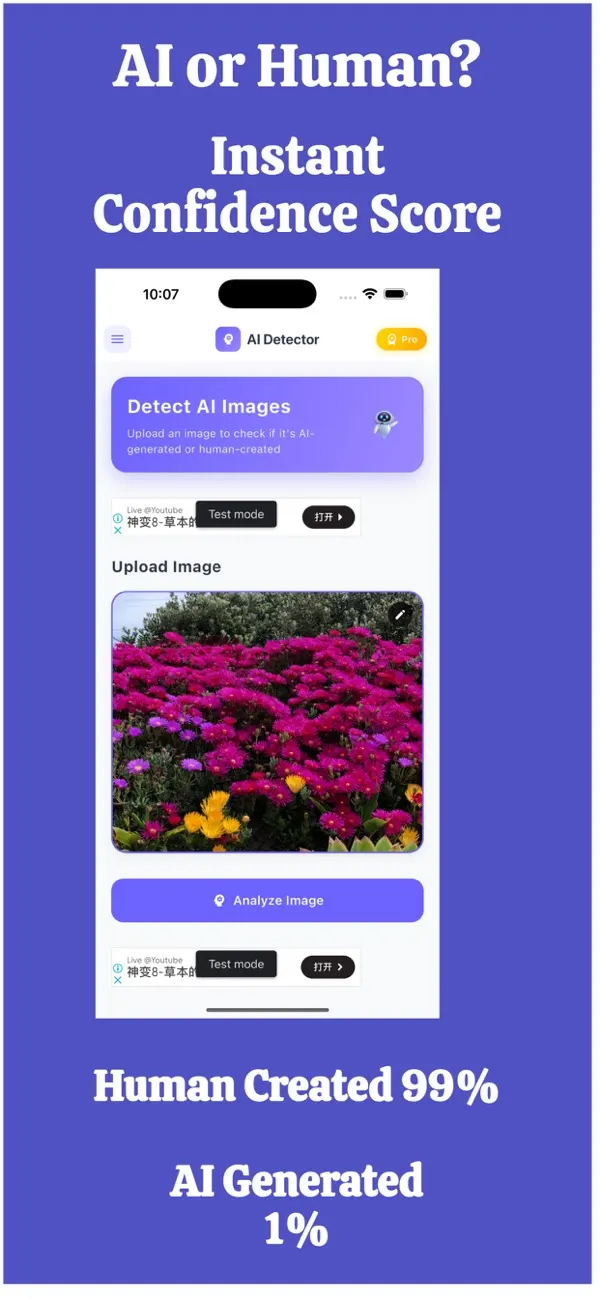
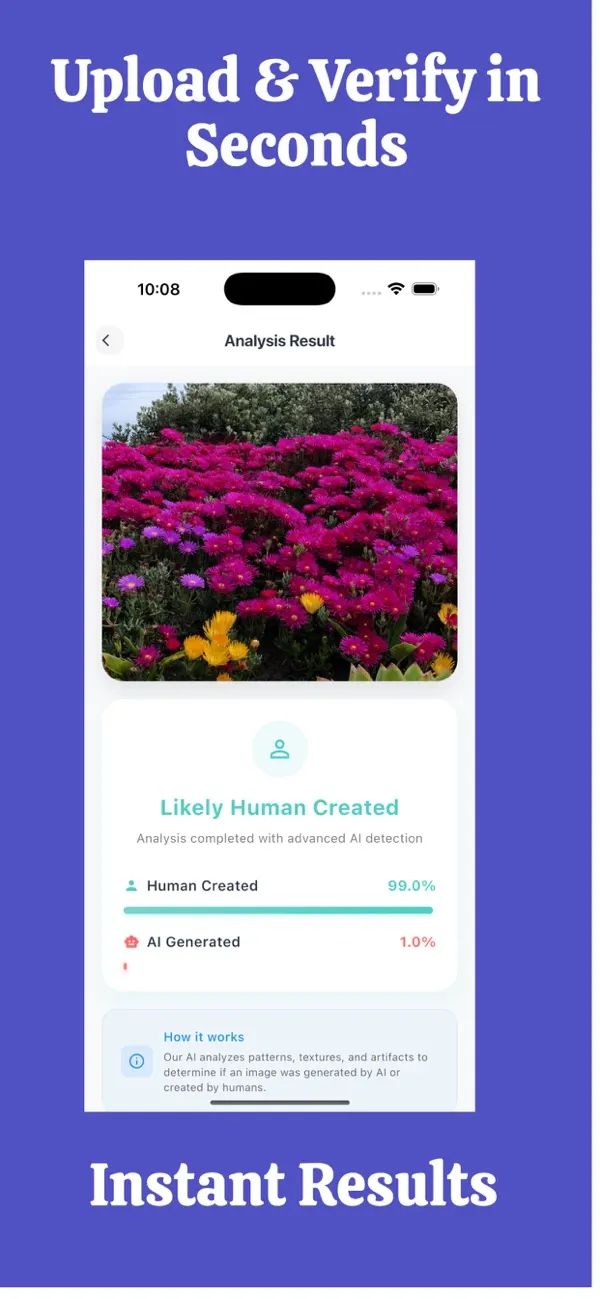
Screens are examples. Results are estimates and can be wrong.
Short answer: the confidence score is FakeSpot's estimate of how likely a photo is to be AI-made. The exportable report records that result so you can keep it or show it to someone else. Both are estimates, not proof, and can be wrong.
What does the confidence score show?
The score shows how strongly the app leans toward "this photo was made by AI" or away from it. A higher score for AI means more signs of AI generation were found. A lower score means fewer. It is a way of seeing the strength of the signal, instead of getting only a yes or no.
How should I read it?
- High score: be careful. Look for the original source and ask for more evidence.
- Middle score: the result is unsure. Treat the photo as unverified and use other checks.
- Low score: fewer signs of AI were found. This is not proof the photo is genuine.
Our accuracy page explains why the score is an estimate and why it should be combined with other checks.
What is the exportable report?
The report is a record of a check. It summarises the photo you checked and the confidence score, in a form you can save or send. Think of it as a note that shows you did your homework, not as a certificate of authenticity.
When does a report help?
Disputes
If you are discussing an image with a client, a landlord, a school or a business, a report shows what you checked and when. It supports your explanation, though it should not be the only evidence you provide.
Marketplaces and second-hand sales
If a listing photo looks suspicious, you can attach a report when you contact the platform's support team or when you decline a deal. See fake seller photo check for the steps.
Platform reports
When you flag a profile, post or advert to a social or dating platform, a report gives moderators a clear reference. They will make their own decision.
Your own records
Journalists, researchers, small business owners and careful families can keep reports as a simple log of what was checked and why a decision was taken.
What should a report not be used for?
- As legal proof. It is an estimate from an app, not an expert forensic opinion.
- To publicly accuse a person. Scores can be wrong, and people can be harmed by false accusations.
- As the only reason to reject or approve something important.
How do I make a report more useful?
- Note where the photo came from and when you received it.
- Keep the original file, not only a screenshot.
- Record other checks you made: reverse image search, a video call, a request for a second photo.
- Export the report and store it with those notes.
Is the report private?
You decide whether to export it and who receives it. The photos you check are not stored by FakeSpot. See the privacy page, and check the App Store privacy label for current details.
For help with the first check itself, see the 60-second routine. Results are an estimate and can be wrong, so treat them as one signal, not proof.
What does a good evidence trail look like?
A single report is more convincing as part of a small set of notes. A simple trail has four parts: the original photo and where it came from, the date you received it, the confidence score and report from the app, and any other checks such as a reverse image search or a video call. Keep them together in one folder or note.
If the matter escalates, a platform, bank or authority can then see your steps in order. The report supports your account of events, and your other evidence does the rest.
Frequently asked questions
What does the FakeSpot confidence score mean?
It shows how strongly the app leans toward the photo being AI-made. It is an estimate and can be wrong.
Is the report legal proof?
No. It is an app-generated estimate. It can support your explanation but is not an expert forensic opinion.
Who can see my report?
Only the people you choose to send it to. You decide whether to export it.
Can I attach a report to a marketplace complaint?
Yes, you can share it with a platform or support team as supporting information, along with other evidence such as messages and the original listing.
Does a low score mean I can trust the photo?
Not automatically. A low score means fewer signs of AI were found. Keep checking the source and context.
Related pages
About the author
Praful Deshmukh is the founder of AppVeda Software, which builds and publishes FakeSpot and other iPhone apps. His apps on the App Store
 FakeSpotSpot AI-generated & fake photos
 ImagineTurn text into stunning AI art
 AI Skin ScannerScan your skin from a selfie
 India AQILive air quality for Indian cities
 AI Video DetectorIs that clip real or AI?