Quick answer: There is no single giveaway, so combine checks. Look closely at hands, text, lighting, skin texture and the background, then check the source, run a reverse image search, look at metadata or Content Credentials if present, and use an AI image detector as a second opinion. Treat each result as a clue, not proof.

3 free checks, and your photos are not stored. After that, a $9.99/month subscription (local price shown in the App Store).
AI-generated images are now good enough that a quick glance often fails. The good news is that you do not need special skills. Nine checks, done in order, will answer the question for most photos you meet on social media, in chats or in listings. The honest caveat comes first: no single check is proof. A flawless-looking fake can pass the visual test, and a real photo can have odd details. You are collecting clues and weighing them.
Part 1: What to look for in the picture
1. Hands and fingers
Hands are hard to draw consistently. Count the fingers, check that joints bend naturally and that a hand holding an object actually grips it. Newer generators have improved here, so a clean hand is not a clean bill of health.
2. Text, signs and logos
Look at any lettering: shop signs, shirt prints, book covers, licence plates. AI images often show letters that look like words but are not, or text that changes shape between lines. Read it slowly.
3. Lighting and shadows
Ask where the light comes from. Do shadows point the same way for every object and person? Are reflections in glasses, water or eyes consistent with the scene? Odd, overly smooth, "studio glow" lighting on an everyday scene is a clue.
4. Skin and hair texture
Very smooth skin without pores, hair that merges into the background, or strands that end abruptly are common signs. Earrings that do not match, teeth that blend together, or glasses frames that melt into the face are worth noting.
5. Background details
Generators spend their effort on the subject. Check the edges: warped lines in buildings, repeated faces in a crowd, objects that fuse together, fences or stairs that do not connect.
Part 2: Checks that go beyond the pixels
6. The source and context
Who posted it, and when? Does an original, named source exist, such as a news agency, a photographer or an official account? An image with no origin that appeared suddenly and spreads with strong emotion deserves more caution than one with a clear trail.
7. Reverse image search
Search with the picture itself (Google Lens, Bing Visual Search, TinEye). If the same image appears earlier in an unrelated context, or the only copies are on reposting accounts, that tells you something. This check finds reused real photos very well; it cannot tell you whether a brand-new image was generated.
8. Metadata and Content Credentials
Photos can carry EXIF data (camera model, date, sometimes location). A camera model and capture time is a mild point in favour of a real photo, but metadata is easy to strip or edit, and most social apps remove it on upload. Content Credentials (the C2PA standard, see c2pa.org) are a newer, cryptographically signed record of how an image was made or edited. When present they are very informative; when absent they prove nothing, because many images simply do not carry them yet.
9. An AI image detector as a second opinion
A detector app analyses the image and returns a probability that it was AI-generated. It is useful because it looks at patterns humans cannot see. It is also fallible: results can be wrong in both directions, especially for heavily compressed, cropped or edited files. Use it to support or question what your eyes and the context tell you. Our own iPhone app, FakeSpot, does this (3 free checks, photos are not stored), and the FakeSpot guides explain how to read its results.
How should I combine the checks?
| What you find | What it suggests | Next step |
|---|---|---|
| Visual flaws plus no source | Higher chance it is generated or edited | Run a detector and reverse search |
| Clean image, clear original source | Probably authentic | Confirm with the source itself |
| Clean image, no source, strong emotional message | Unclear | Do not share until verified |
| Detector says high AI probability, but context looks real | Conflicting clues | Look for the original and ask the sender |
| Content Credentials present and valid | Strong provenance information | Read what they say was made or edited |
Common mistakes
- Trusting one signal. A single odd finger or a single high score is not a verdict.
- Treating missing metadata as proof of fakery. Chat and social apps remove it routinely.
- Believing that real photos are always sharp. Real photos can be soft, noisy and oddly lit.
- Checking a screenshot instead of the original. Each re-save removes detail; get the best copy you can.
- Sharing first, checking later. Pause before forwarding anything that makes you angry or afraid.
What to do next
Pick one image you were unsure about this week and run all nine checks. It takes a few minutes the first time and becomes a habit. If you want a quick iPhone routine, see the guides in the FakeSpot guides, or explore our other AppVeda apps. Disclosure: AppVeda Software makes FakeSpot, so we are naturally keen on detector apps, but the first eight checks work without any app at all. Everything here is as of November 2026, and the tools keep changing.
FakeSpot: AI Image Detector
Free to try on the App StoreUpload or snap any photo and FakeSpot tells you in seconds whether it was made by AI tools like Midjourney, DALL-E or Stable Diffusion. Free on iPhone.
Download on theApp Store App details →
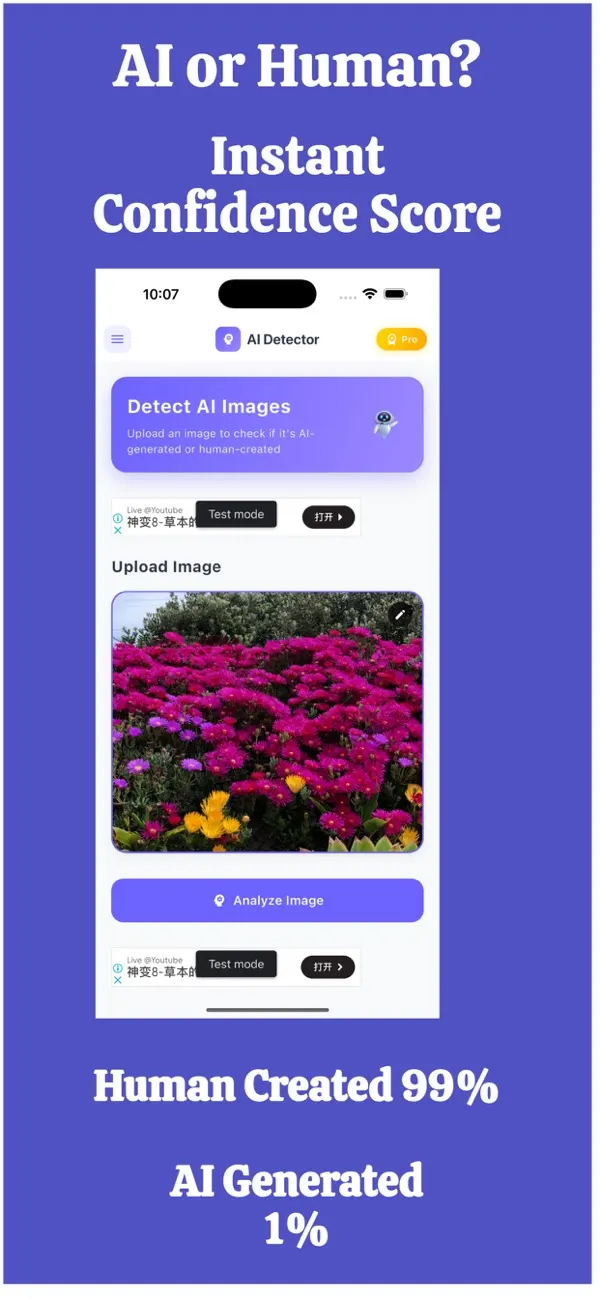
More from AppVeda Software
- Create AI images with Imagine, our AI image generator (3 free images). Then check how AI images look to a detector.
- Need to check text, not photos? FakeSpot on the web checks text (free plan: 1,000 words a month). Image checks there are on paid plans ($9.99/month or $89.99/year).
- AppVeda Software also builds AI-powered mobile apps for businesses. See all our apps.
Frequently asked questions
Can you always tell if an image is AI-generated?
No. Skilled fakes and heavily edited real photos can fool both people and software. That is why you combine visual clues, source checks, a reverse image search and a detector, and treat the outcome as a level of confidence.
Is a reverse image search enough to detect AI images?
It is excellent for finding real photos that have been reused or taken out of context, but a newly generated image has no earlier copy to find. Pair it with a detector and the other checks.
Does missing EXIF metadata mean a photo is AI-generated?
No. Social and chat apps routinely remove metadata when you upload or send a picture. Metadata can also be edited, so it is only one clue.
What are Content Credentials?
Content Credentials, based on the open C2PA standard, are signed information attached to an image that records how it was made or edited. When they are present they are useful; when they are absent they prove nothing, as many images do not carry them.
How accurate are AI image detector apps?
No detector is perfect. They return a probability, not a certainty, and can be wrong in both directions. Use the result as a second opinion alongside the other checks, not as the final word.
About the author
Praful Deshmukh is the founder of AppVeda Software. He builds and publishes iPhone apps, including FakeSpot and Imagine. More about Praful · His apps on the App Store
 ImagineTurn text into stunning AI art
 AI Skin ScannerScan your skin from a selfie
 India AQILive air quality for Indian cities
 AI Video DetectorIs that clip real or AI?