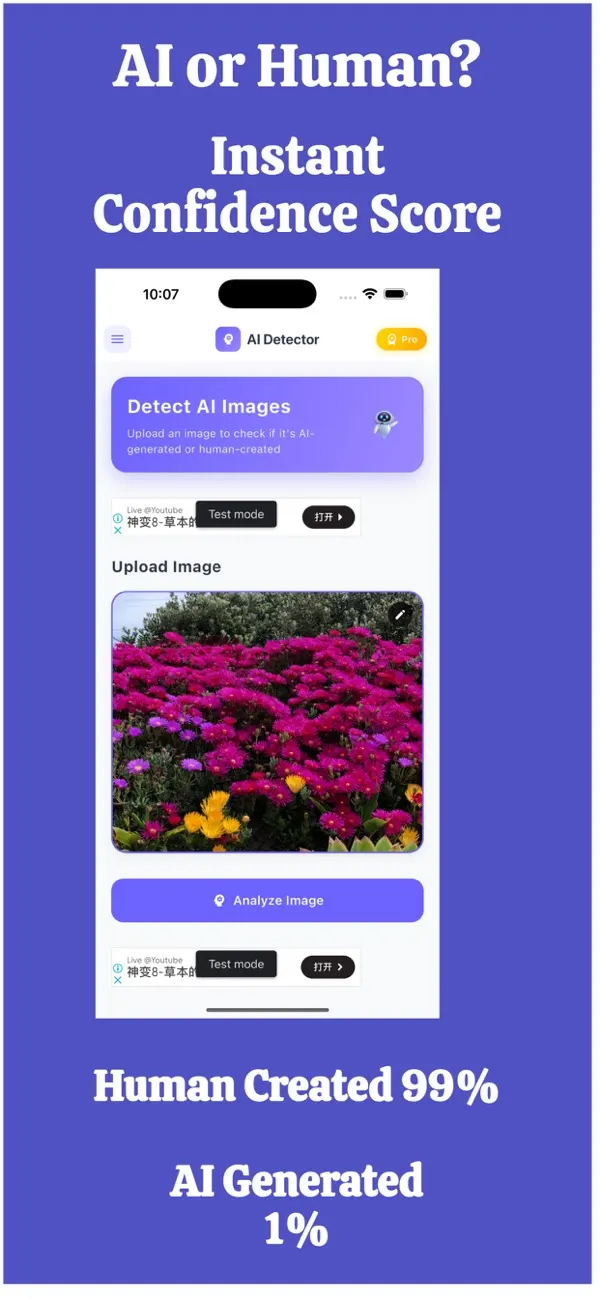
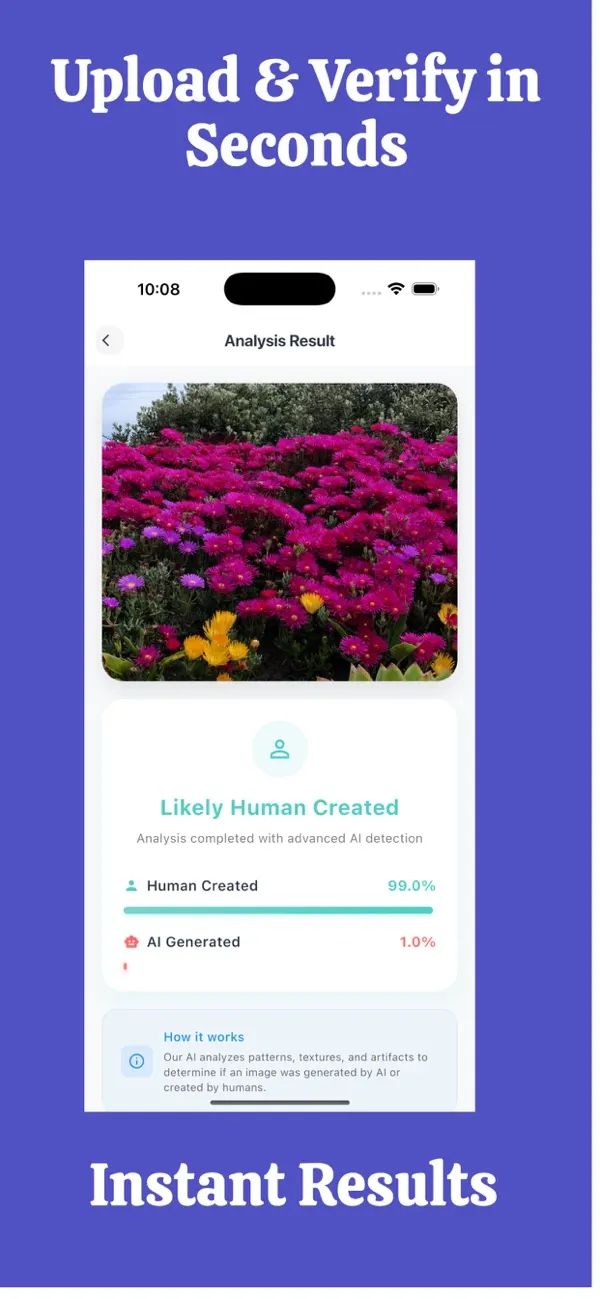
Screens are examples. Results are estimates and can be wrong.
Short answer: you cannot be certain from looking alone, but you can get a good estimate in about 60 seconds by checking the source, zooming in on details, testing the context, and running the photo through an AI image detector. Treat every result as an estimate that can be wrong.
What is the fastest way to check if a photo is AI?
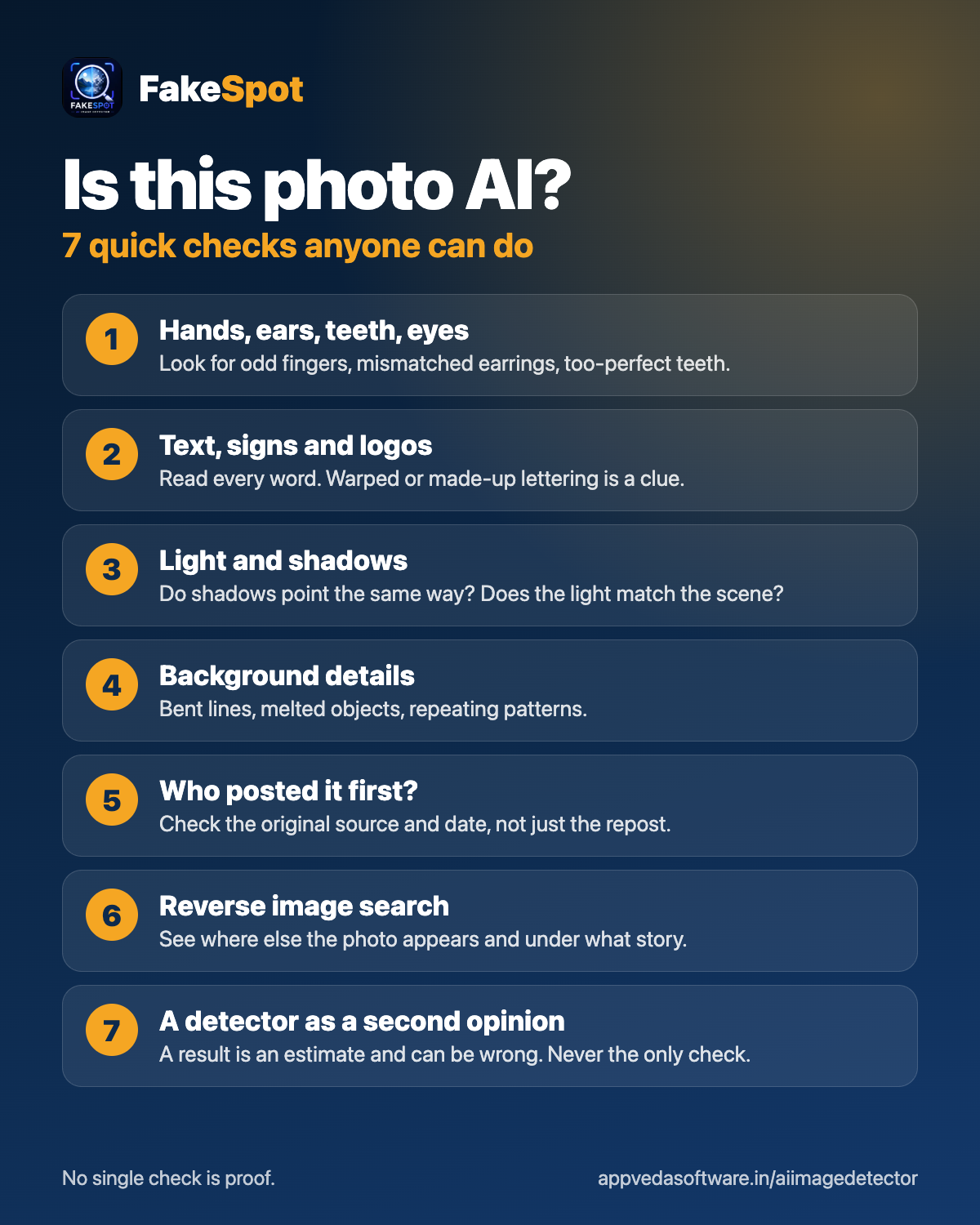
Use this order. Each step takes 10 to 20 seconds, and you can stop as soon as you have a clear answer.
- Source (10 seconds). Where did the photo come from? A named photographer, a news agency or a person you know is a better sign than an anonymous account or a screenshot with no origin.
- Details (20 seconds). Zoom in on hands, teeth, ears, jewellery, text on signs, reflections and the edges of hair. AI images often get small structures wrong, though newer ones can look clean.
- Context (15 seconds). Does the scene make sense? Check shadows, how many people are present, and whether the event described matches what is shown.
- App check (15 seconds). Run the photo through FakeSpot on your iPhone. It estimates whether the image was made by AI and shows a confidence score.
What should I look for when I zoom in?
- Fingers that merge, split or show an odd count.
- Text that looks almost right but is garbled or inconsistent.
- Skin that is unusually smooth, with no pores or natural texture.
- Backgrounds that melt, repeat or bend where lines should be straight.
- Earrings, glasses or collars that do not match on both sides.
None of these proves anything on its own. Real photos can have blur, compression or editing that looks strange, and good AI images can avoid every one of these flaws.
How does an app check fit into the routine?
An AI image detector looks at patterns in the pixels that are hard to see by eye. FakeSpot: AI Image Detector is an iPhone app that checks whether a photo was made by AI and gives you a confidence score. Open the app, choose the photo, and read the result. The score is a probability-style estimate, not a verdict. A high score for "AI-made" is a strong reason to dig deeper. A low score does not guarantee the photo is real.
What if the checks disagree?
That is common, and it is useful information. If the source is unclear, the details look odd, but the app score is low, treat the photo as unverified. Look for the original: run a reverse image search, find the earliest post, or ask the sender where and when it was taken. The more a photo matters (a payment, a news share, a relationship), the more checks you should stack.
When should I do more than 60 seconds?
Slow down whenever money, safety or reputation is involved. Examples: a seller asking for a deposit, a stranger asking for money, a viral image about a real event, or a photo you plan to use in a dispute. In those cases, keep the confidence score, save the exportable report from the app, and document how you verified the photo.
For a deeper walk-through of visual clues, read our guide on how to tell if an image is AI-generated. Results are an estimate and can be wrong, so treat them as one signal, not proof.
What are the most common mistakes when checking a photo?
- Trusting one signal. A clean-looking photo, a plausible caption or a single score is not enough on its own.
- Checking a screenshot. Screenshots lose detail. Ask for the original file when you can.
- Assuming flaws mean fake. Blur, grain and odd lighting also appear in genuine photos.
- Assuming perfection means real. Newer AI images can look sharp and natural.
- Skipping the source. Where a photo came from often says more than the pixels do.
Build the habit once and it becomes automatic: source, details, context, app check. Four short steps, every time a photo matters.
Frequently asked questions
Can I tell if a photo is AI just by looking?
Sometimes, but not reliably. Obvious flaws such as odd hands or garbled text are clues, yet modern AI images can look flawless. Combine a visual check with source checks and a detector.
How long does an AI photo check take?
The routine on this page takes about a minute. The app check itself is only a part of that, and you can spend longer on photos that matter more.
Is a low AI score proof that the photo is real?
No. A low score means the detector found fewer signs of AI generation. It can still be wrong, and a real photo can also be edited or misleading in context.
Does FakeSpot store the photos I check?
No. Photos are not stored. You can also review the privacy label on the App Store page.
What should I do if I still cannot tell?
Treat the photo as unverified. Find the original source, run a reverse image search, and avoid acting on it (paying, sharing, trusting) until you can confirm it another way.
Related pages
About the author
Praful Deshmukh is the founder of AppVeda Software, which builds and publishes FakeSpot and other iPhone apps. His apps on the App Store
 FakeSpotSpot AI-generated & fake photos
 ImagineTurn text into stunning AI art
 AI Skin ScannerScan your skin from a selfie
 India AQILive air quality for Indian cities
 AI Video DetectorIs that clip real or AI?