
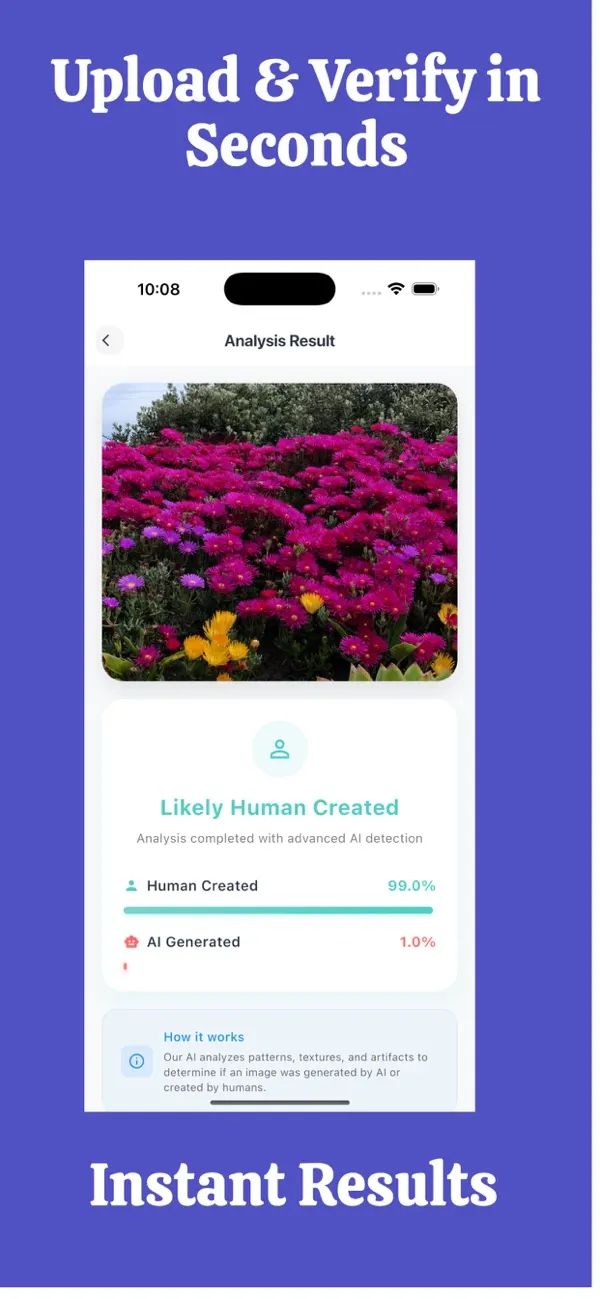
Screens are examples. Results are estimates and can be wrong.
Short answer: before you pay a seller you do not know, reverse-search the listing photos, ask for a fresh photo taken with a specific detail, run the images through an AI checker such as FakeSpot, and use payment methods with buyer protection. A photo check is one signal, not a guarantee.
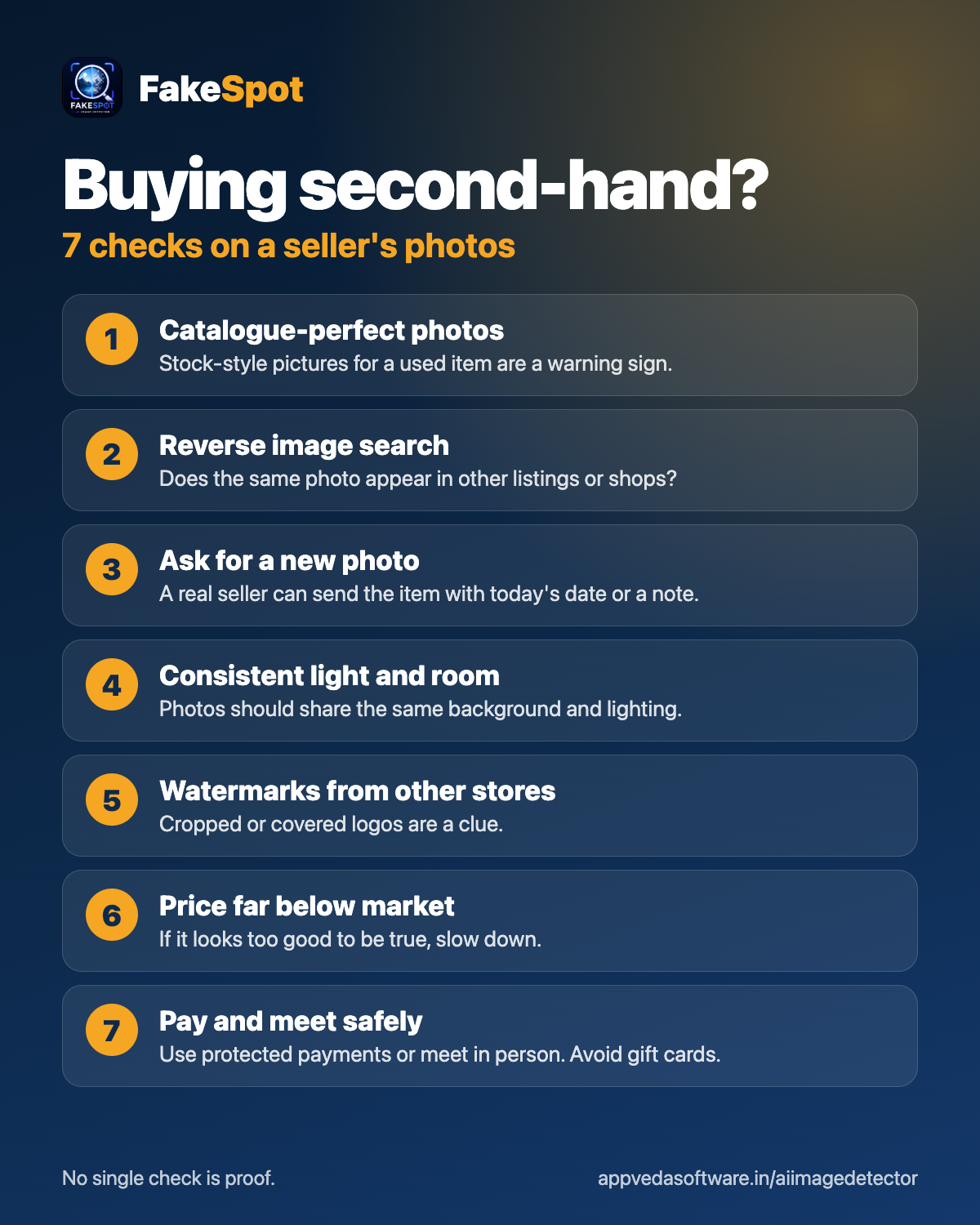
What are the warning signs of a fake listing?
- A price far below what similar items sell for.
- Studio-perfect photos for a used item, or images that look like catalogue pictures.
- Only one or two photos, or none showing wear, serial numbers or the actual room.
- A seller who pushes you to pay outside the platform, or to hurry.
- A brand-new account with no history and generic replies.
- Refusal to meet, to show the item on video or to take a new photo.
How do I check a seller's photos step by step?
- Save the images. Keep copies of all listing photos.
- Reverse image search. If the same photos appear in other listings or on a store website, they are probably borrowed.
- Run an AI check. Open FakeSpot: AI Image Detector on your iPhone, check the main photos and read the confidence score. A high score for AI-made is a reason to be careful.
- Look at the details. Zoom in on labels, serial numbers, reflections and backgrounds for inconsistencies.
- Request a custom photo. Ask the seller to photograph the item next to a piece of paper with today's date and your username. Real sellers can do this in minutes.
- Ask for a short video showing the item working or being handled.
How does FakeSpot help with seller photos?
FakeSpot estimates whether a photo was made by AI and shows a confidence score. That is useful because some fake listings now use generated images of products, rooms and even pets. It will not tell you whether a real photo was copied from another seller, so pair it with a reverse image search. Results are an estimate and can be wrong.
How do I pay safely?
- Use the platform's own payment or escrow when it is offered.
- Prefer methods with buyer protection. Avoid bank transfers, gift cards and crypto to strangers.
- For local deals, meet in a public place and inspect the item before paying.
- Be wary of "shipping agent" or "courier fee" requests after you have agreed a price.
- Do not click payment links sent in private chat.
What if I suspect a fake seller?
- Stop the conversation and do not pay.
- Screenshot the listing, profile and chat.
- Report the listing to the platform. You can attach the FakeSpot report as supporting information.
- If you already paid, contact your bank or payment provider quickly and ask about a chargeback or dispute.
Does this apply to sellers checking buyers?
Yes. Scammers also send AI-made or edited "proof of payment" screenshots and ID photos. Check the payment in your own bank account instead of trusting a screenshot.
For more on spotting generated images, see our guide to telling if an image is AI-generated, and the 60-second routine.
What should I ask a seller before paying?
- When and where was the item bought, and do they have the receipt or box?
- Can they photograph a serial number, a scratch or a label you point out?
- Can the item be collected in person, or inspected on a short video call?
- Will they accept the platform's own payment protection?
Honest sellers answer these questions easily. Scammers tend to dodge them, change the subject or push you to hurry. Their reaction tells you as much as any photo does.
Frequently asked questions
Can I tell if a seller photo is AI-generated?
You can get an estimate by running it through an AI image checker and inspecting details. It is not proof, so also use a reverse image search and ask for a fresh photo.
What is the best way to verify a second-hand item?
Ask for a new photo with a specific detail, such as a dated note, and a short video. Meet in person for local deals before paying.
Why do scammers use AI images in listings?
Generated images are quick to produce and may not show up in a reverse image search, so they can look original.
Is a reverse image search enough?
It finds copied photos but may miss AI-made ones. That is why it helps to add an AI check and a request for a custom photo.
What payment method is safest?
Use the platform payment or escrow, or a method with buyer protection. Avoid sending money to strangers by bank transfer, gift card or crypto.
Related pages
About the author
Praful Deshmukh is the founder of AppVeda Software, which builds and publishes FakeSpot and other iPhone apps. His apps on the App Store
 FakeSpotSpot AI-generated & fake photos
 ImagineTurn text into stunning AI art
 AI Skin ScannerScan your skin from a selfie
 India AQILive air quality for Indian cities
 AI Video DetectorIs that clip real or AI?