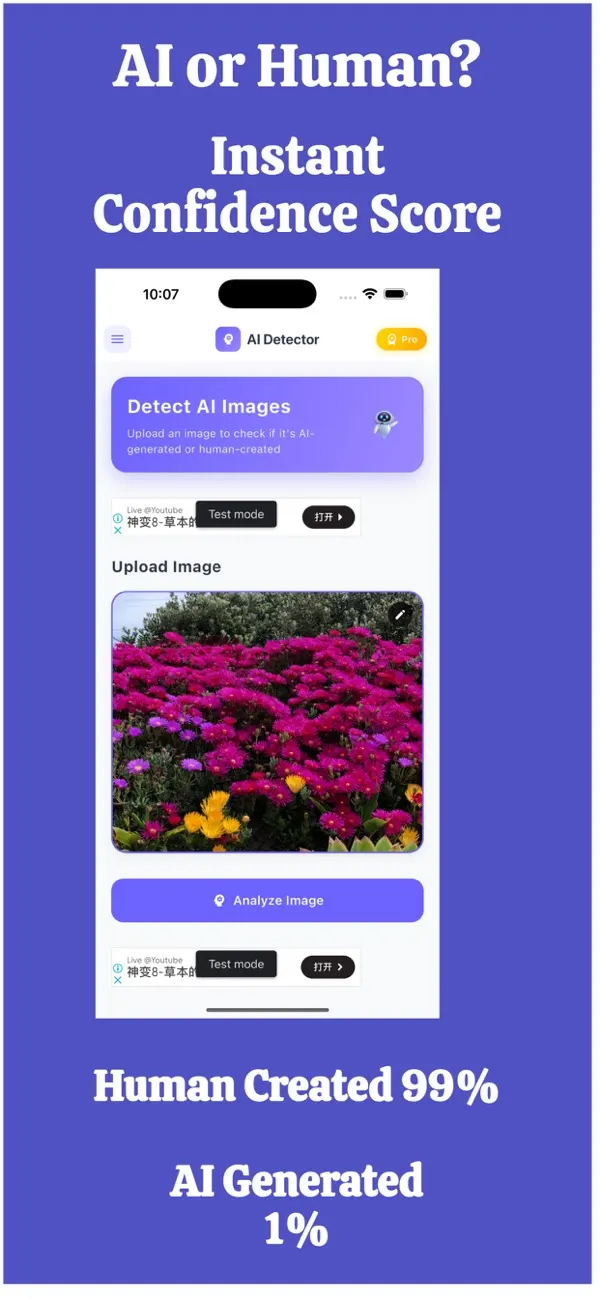
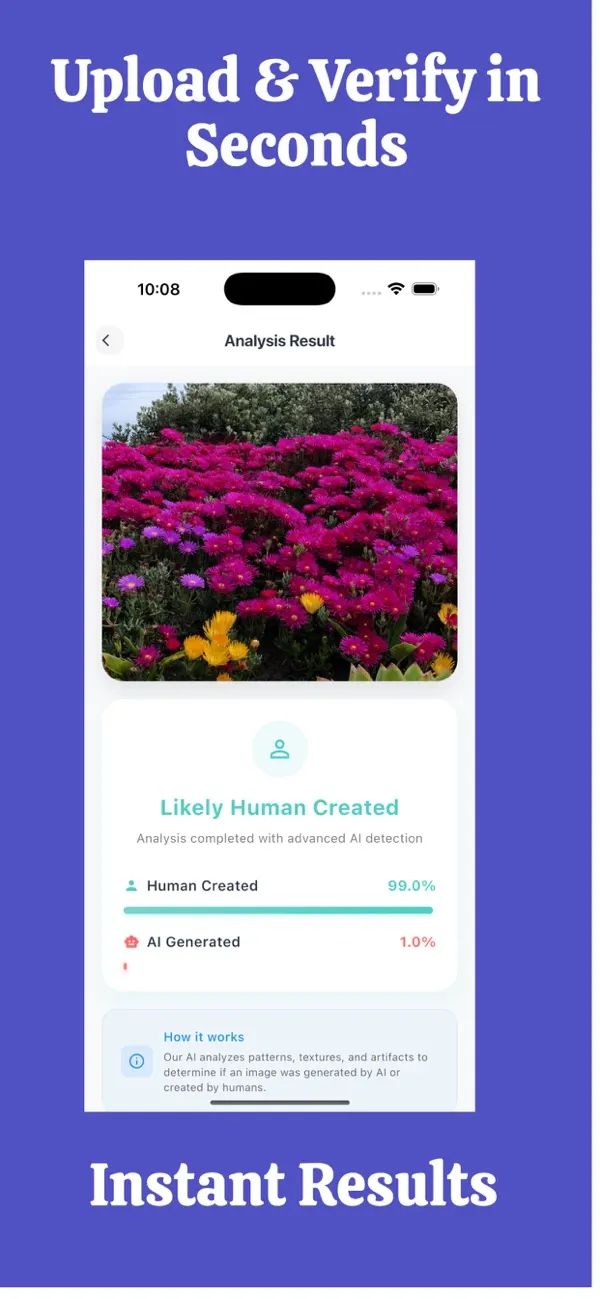
Screens are examples. Results are estimates and can be wrong.
Short answer: an AI photo checker analyses a picture and returns an estimate of whether it was made by an AI image generator. It cannot read intent or prove authenticity. A good one is clear about its limits, shows a confidence score, and respects your privacy.
What does an AI photo checker actually check?
It looks at the image itself, not at the story around it. Typical signals include pixel-level patterns left by image generators, unusual smoothness or texture, and inconsistencies in lighting and structure that people rarely notice. The checker turns those signals into a score. It does not know who took the photo, where, or why.
That is why a checker is best used as one signal alongside source checks and common sense. FakeSpot: AI Image Detector, our iPhone app, follows this approach: it checks whether a photo was made by AI and displays a confidence score.
How do I choose a good AI photo checker?
Use this checklist before you rely on any tool.
- Honest claims. Be wary of any tool that promises certainty or quotes a perfect accuracy figure. No detector is perfect.
- A score, not just a yes or no. A confidence score shows how strong the signal is and lets you judge the result.
- Privacy. Find out whether photos are stored. Read the App Store privacy label, which lists the data an app collects.
- Speed and ease. If checking takes effort, you will skip it when it matters. Mobile apps make it quick to check a photo you just received.
- A report you can keep. If you need to explain a decision to a platform or a buyer, an exportable report helps.
- Active development. New image generators appear often. Check that the app is updated and the developer is easy to contact.
What can a photo checker not do?
- It cannot prove that a photo is genuine, only estimate the chance it is AI-made.
- It cannot tell you whether a real photo is used in a misleading way, for example an old picture shared as new.
- It may struggle with heavily compressed, cropped or screenshot images, where the useful signals are weaker.
- It can be wrong in both directions: flagging a real photo or missing an AI one.
How should I use the result?
Read the confidence score as a direction, not a verdict. A strong "AI-made" result is a reason to be careful and to look for the original. A low result lowers your concern but does not remove it. When the decision carries real risk, add other checks: reverse image search, a request for a new photo, a video call, or asking the sender for context. Our 60-second routine shows how to stack these.
Where can I compare AI image detector apps?
We keep a plain-English comparison of the options available on iPhone in best AI image detector apps for iPhone. Use the criteria above to judge any app, ours included.
Is there a web version?
There is a web version at fakespot.web.app that checks text, with a free plan of 1,000 words a month. Image checks there need a paid plan. For photos on the go, the iPhone app is the simplest route.
Results are an estimate and can be wrong, so treat them as one signal, not proof.
What are the most common uses of an AI photo checker?
- Checking a profile picture from a dating app or social network.
- Looking at product photos in a second-hand listing before paying.
- Verifying a striking image before sharing it with friends or family.
- Reviewing images sent by a stranger, such as in a pet-finder or job message.
- Keeping a record of what you checked, for a dispute or a platform report.
In each case the checker answers one narrow question: does this image look AI-made? Everything else, including who sent it and why, still needs your judgement.
Frequently asked questions
What is an AI photo checker?
It is a tool that analyses an image and estimates whether it was made by an AI image generator, usually showing a confidence score.
Is an AI photo checker accurate?
It can be a useful signal, but no checker is perfect. Results are estimates and can be wrong, so combine them with other checks.
Can a checker tell if a photo was edited?
Not reliably. Many checkers focus on whether an image was generated by AI. Light editing such as cropping or filters is a separate matter.
Should I choose a checker that gives only yes or no?
A confidence score is more informative, because it shows how strong the signal is rather than hiding the uncertainty.
Is FakeSpot free?
The app is free to download on iPhone. Subscription options are shown on the App Store page.
Related pages
- FakeSpot: AI Image Detector for iPhone
- Is this photo AI? A 60-second routine
- Fake photo detector: fake, AI-made or edited?
- How accurate is an AI image detector?
- Privacy: are my photos stored?
- Confidence score and exportable report
- Guide: how to tell if an image is AI-generated
- Guide: best AI image detector apps for iPhone
About the author
Praful Deshmukh is the founder of AppVeda Software, which builds and publishes FakeSpot and other iPhone apps. His apps on the App Store
 FakeSpotSpot AI-generated & fake photos
 ImagineTurn text into stunning AI art
 AI Skin ScannerScan your skin from a selfie
 India AQILive air quality for Indian cities
 AI Video DetectorIs that clip real or AI?