Quick answer: Before paying for a Black Friday deal, run a reverse image search on the product photo, compare the price with trusted shops, and check who the seller really is. If the photo looks too perfect or appears on unrelated sites, pause. A photo checker such as FakeSpot can add a clue, but results are estimates, not proof.

3 free checks, and your photos are not stored. After that, a $9.99/month subscription (local price shown in the App Store).
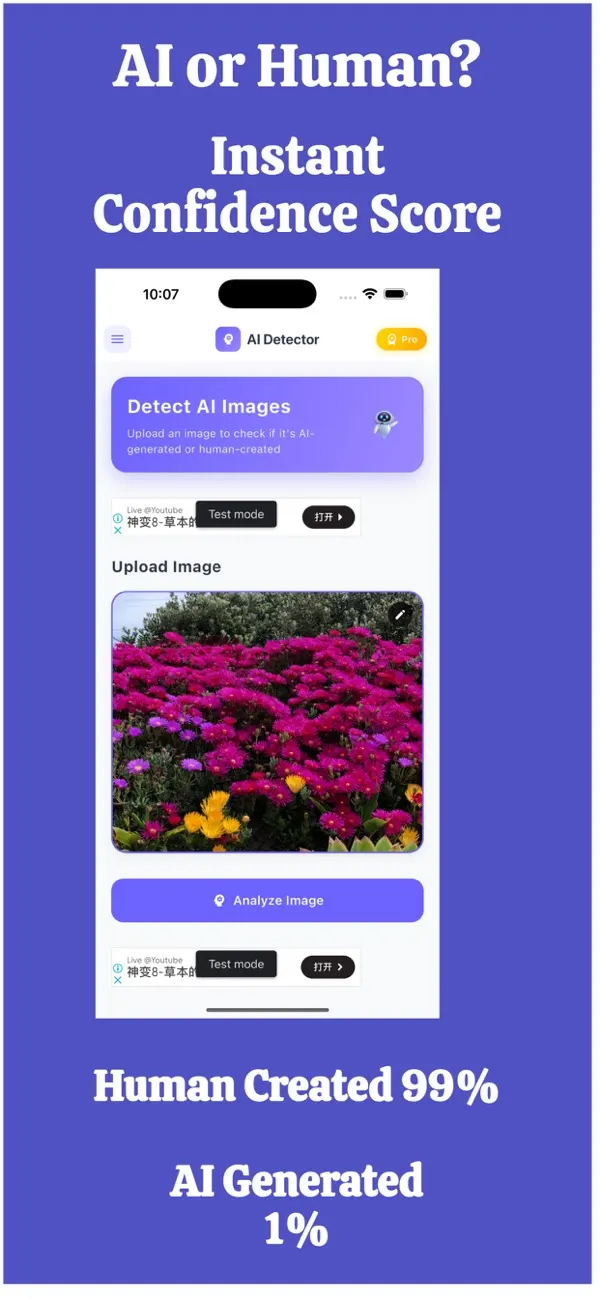
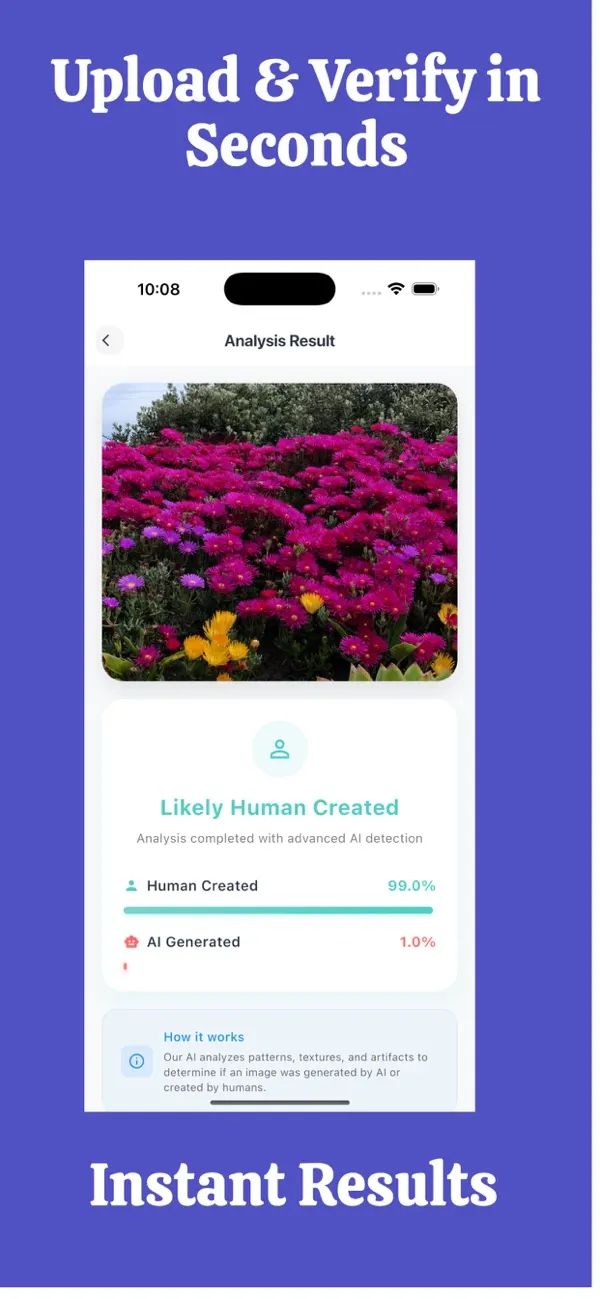
Screens are examples. Results are estimates and can be wrong.
Black Friday week is when shoppers move fast, and scammers know it. A shiny product photo, a price far below normal and a countdown timer are all it takes to make a fake shop look convincing. Today those photos may be copied from real brands or even generated by AI. This guide gives you a routine you can finish in a couple of minutes.
Why do fake Black Friday deals work?
They rely on three pressures: urgency ("only 3 left"), a price that feels like luck, and a photo that looks professional. When all three line up, people skip checks they would normally do. Slowing down for 60 seconds is the best defence.
How can you check a product photo?
Step 1: Run a reverse image search
Save or screenshot the product photo and search for it with a reverse image tool. If the same picture appears on the brand's official site, on several unrelated shops or in old posts from years ago, it was probably copied. A real shop selling its own stock usually has its own photos too.
Step 2: Look at the picture itself
Zoom in. Watch for blurred or warped text on packaging, logos that look slightly off, odd reflections and surfaces that look too smooth. Our guide on how to tell if an image is AI-generated lists more visual clues. None of these is proof, but several together are a reason to stop.
Step 3: Use a photo checker as one more clue
FakeSpot can check whether a photo may have been made by AI and show a confidence score. If you screenshot the photo from the ad, remember that screenshots and compressed images are harder to judge. A "low AI likelihood" result does not make a shop safe; a "high" one does not prove a scam. It is simply one more input.
What else should you check besides the photo?
| Check | Healthy sign | Warning sign |
|---|---|---|
| Price | Discount in line with other shops | Far below every other seller |
| Website address | Matches the brand exactly | Extra words, odd endings, misspellings |
| Contact details | Real address, phone, email | Only a contact form or chat app |
| Payment options | Card or trusted wallet | Bank transfer, gift cards, crypto only |
| Reviews | Mixed, specific, off-site too | All five stars, same wording |
| Return policy | Clear and detailed | Missing or copied text |
A 2-minute checklist before you pay
- Search the exact product name on a trusted store and compare the price.
- Reverse image search the main product photo.
- Read the web address letter by letter.
- Find the shop's address, company details and return policy.
- Look for reviews outside the shop's own page.
- Pay by card or a method with buyer protection, never by gift card or direct bank transfer to a stranger.
Common mistakes shoppers make
- Trusting a sponsored social media ad because it looks polished.
- Assuming a padlock icon means the shop is honest. It only means the connection is encrypted.
- Judging a shop only by its photos. Photos are the easiest thing to fake.
- Paying first and asking questions later.
What if you already paid?
Contact your bank or card provider immediately, keep screenshots of the listing, the photos and your receipt, and report the shop. If you ran a check, you can keep the report as part of your records. FakeSpot has an exportable report, and your photos are not stored.
Where to report it
- United States: the Federal Trade Commission at reportfraud.ftc.gov.
- Canada: the Canadian Anti-Fraud Centre at antifraudcentre-centreantifraude.ca (see its "Report fraud" page).
- Australia: Scamwatch, run by the ACCC, at scamwatch.gov.au/report-a-scam.
If you paid, also contact your bank or card provider straight away. They can sometimes stop or reverse a payment if you act quickly.
What do fake Black Friday ads look like in practice?
Most fake deals fall into a few patterns. A well-known brand's product is "clearance priced" on a site you have never heard of. A social media ad shows a luxury item at a tiny fraction of its normal price, with comments turned off or filled with identical praise. Or a message claims you won a prize and asks you to pay a small shipping fee. In each case the photo is the hook, and the pressure to act is the trap.
When you see one, resist clicking straight through. Open a separate tab, search for the brand's official website and see whether the same deal exists there. If it does not, the ad is not what it claims to be. If the deal does exist on the real site, buy from there instead of from the ad.
A note on reviews and unboxing videos
Fake shops often show glowing reviews or "customer unboxing" clips. These can be copied from other shops or generated, so treat them like the product photos: useful only when you can trace them to a real, independent source.
What to do next
If you are an iPhone user, see checking a picture on iPhone. Our related reading includes AI photo detector vs AI image checker. More practical guides are in the FakeSpot guides, and you can find other apps from AppVeda Software on the AppVeda apps page.
FakeSpot: AI Image Detector
Free to try on the App StoreUpload or snap any photo and FakeSpot tells you in seconds whether it was made by AI tools like Midjourney, DALL-E or Stable Diffusion. Free on iPhone.
Download on theApp Store App details →
More from AppVeda Software
- Create AI images with Imagine, our AI image generator (3 free images). Then check how AI images look to a detector.
- Need to check text, not photos? FakeSpot on the web checks text (free plan: 1,000 words a month). Image checks there are on paid plans ($9.99/month or $89.99/year).
- AppVeda Software also builds AI-powered mobile apps for businesses. See all our apps.
Frequently asked questions
How do I know if a Black Friday deal is fake?
Compare the price with trusted shops, reverse image search the product photo, read the web address carefully and look for real contact details. Several warning signs together mean you should not pay.
Can a photo checker tell me if a shop is a scam?
No. It can only suggest whether a photo may have been AI-made. A shop can use real photos and still be fake, so combine it with seller checks.
Are stolen product photos more common than AI ones?
Copied photos are very common, and reverse image search is the quickest way to find them. AI-made photos are an additional possibility.
What payment method is safest?
Cards and other methods with buyer protection are generally safer than bank transfers, gift cards or crypto sent to a stranger.
Does FakeSpot store the photos I check?
No, photos are not stored. The app is free to download, and subscription options are shown on the App Store page.
Related reading
About the author
Praful Deshmukh is the founder of AppVeda Software. He builds and publishes iPhone apps, including FakeSpot and Imagine. More about Praful · His apps on the App Store
 ImagineTurn text into stunning AI art
 AI Skin ScannerScan your skin from a selfie
 India AQILive air quality for Indian cities
 AI Video DetectorIs that clip real or AI?