Quick answer: On iPhone, you can check a picture in about a minute: pick the photo, run it through an AI image detector app, read the probability, then verify with context such as the source and a reverse image search. The app gives an estimate, not proof, so the last step matters most.

3 free checks, and your photos are not stored. After that, a $9.99/month subscription (local price shown in the App Store).
A picture lands in your chat, a listing or your feed and something feels off. You do not need a computer or an hour of research. Here is a routine that fits into about a minute on an iPhone. It uses an AI image detector app for the quick estimate, and then a few seconds of common sense to make the decision. If you want the full toolkit later, read our nine-check guide.
How do I check a picture in 60 seconds?
Seconds 0 to 10: save and open the best copy
Save the picture to your Photos app. If you can, get the original from the sender or the source site, not a screenshot. Each re-save and screenshot removes detail that detectors and your own eyes rely on. Note where it came from and who sent it.
Seconds 10 to 20: pick it in a detector app
Open an AI image detector, such as FakeSpot, which we make at AppVeda Software, and choose the photo from your library. FakeSpot gives you 3 free checks in total so you can try it on real situations before deciding, and photos are not stored. If you use a different app, read its privacy notes first, especially for personal photos. For a comparison of options see our honest comparison of iPhone detector apps.
Seconds 20 to 35: read the probability properly
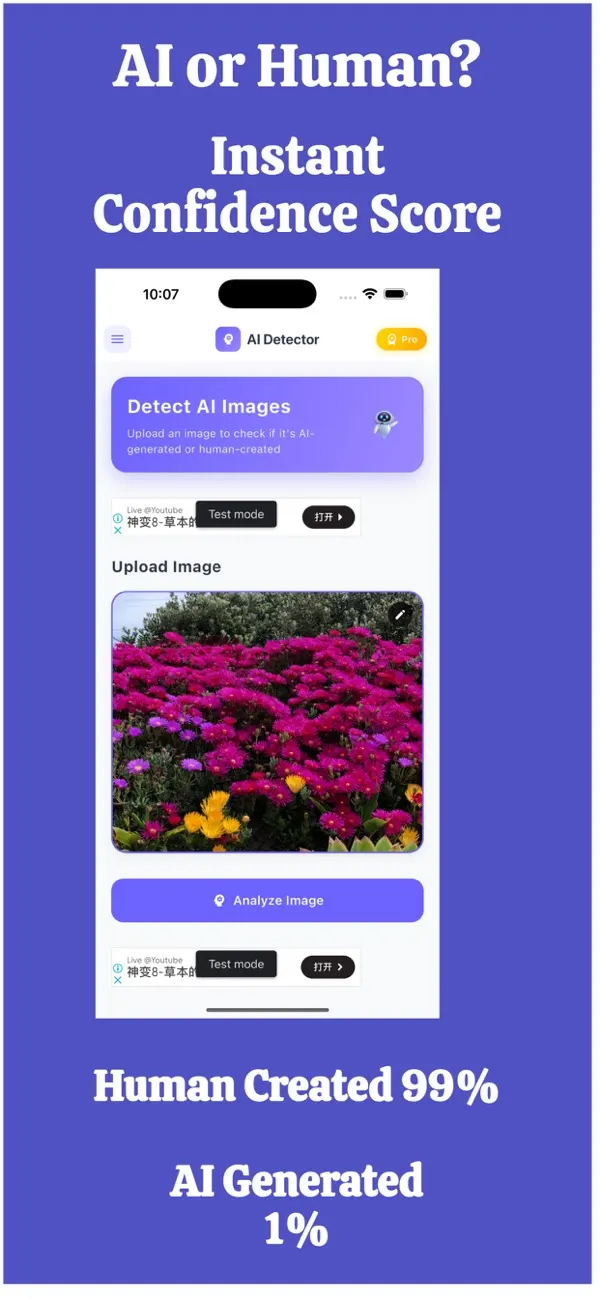
The app returns a probability that the image was made by AI. Read it like a weather forecast, not a court verdict:
- Very high: a strong reason to look further before trusting the picture.
- Very low: a reason to relax a little, not to stop checking, especially if the picture matters.
- In the middle: the detector is unsure. Rely on the context checks.
No detector is perfect. Compression, cropping, filters and editing can all push results in either direction.
Seconds 35 to 50: look at the picture yourself
Spend fifteen seconds on hands, text, shadows, skin and background edges. If you spot clear flaws, they add weight to a high score. If you spot none, that does not cancel a high score. The details are in 9 Checks Anyone Can Do.
Seconds 50 to 60: confirm with context
Ask the questions a detector cannot answer. Who posted it first? Is there a named source? Does a reverse image search (Google Lens or Bing) show it earlier somewhere else? Does the story match what you know? Then decide: trust, ask for the original, or do not share.
How should I combine the score and the context?
| Detector | Context | Reasonable decision |
|---|---|---|
| High AI probability | No source | Treat as unreliable; do not forward |
| High AI probability | Clear, trusted source | Look for the original and ask the source |
| Low AI probability | No source, emotional claim | Still verify before sharing |
| Low AI probability | Clear source | Likely fine |
| Middle | Anything | Context decides |
Common mistakes
- Checking a low-quality screenshot and trusting the score fully.
- Using up free checks on obvious images; keep them for the ones that matter.
- Believing a low score means a real event happened. A real photo can still be misused with a false caption.
- Skipping the source question.
What next?
Try the routine on a picture you already know is real, and one that you know is AI-made, to get a feel for the scores. The FakeSpot guides and our AppVeda apps page have more. If you are wondering whether the app name matters, see AI photo detector or AI image checker?. Information as of November 2026.
FakeSpot: AI Image Detector
Free to try on the App StoreUpload or snap any photo and FakeSpot tells you in seconds whether it was made by AI tools like Midjourney, DALL-E or Stable Diffusion. Free on iPhone.
Download on theApp Store App details →
More from AppVeda Software
- Create AI images with Imagine, our AI image generator (3 free images). Then check how AI images look to a detector.
- Need to check text, not photos? FakeSpot on the web checks text (free plan: 1,000 words a month). Image checks there are on paid plans ($9.99/month or $89.99/year).
- AppVeda Software also builds AI-powered mobile apps for businesses. See all our apps.
Frequently asked questions
How can I check if a picture is AI on my iPhone?
Save the best copy, run it in an AI image detector app, read the probability, glance at details like hands and text, then confirm with the source and a reverse image search.
How many free checks does FakeSpot give?
FakeSpot gives 3 free checks in total. After that it is a subscription ($9.99/month; your local price is shown in the App Store).
Does FakeSpot store my photos?
No. Photos are not stored.
Should I trust a low AI probability?
Only as one clue. A real photo can be used with a false caption, so still check the source and context for anything important.
What if the detector result is in the middle?
A middling probability means the app is unsure. Rely on context: the original source, a reverse image search and whether the story fits.
Related reading
About the author
Praful Deshmukh is the founder of AppVeda Software. He builds and publishes iPhone apps, including FakeSpot and Imagine. More about Praful · His apps on the App Store
 ImagineTurn text into stunning AI art
 AI Skin ScannerScan your skin from a selfie
 India AQILive air quality for Indian cities
 AI Video DetectorIs that clip real or AI?