Quick answer: A free detector is fine for a quick curiosity check; a paid or subscription tool tends to matter when you check often or need a report. Compare usage limits, what happens to your photos, whether you get a confidence score and an exportable report, and how clearly the tool explains its own limits. Any result, free or paid, is an estimate.

3 free checks, and your photos are not stored. After that, a $9.99/month subscription (local price shown in the App Store).
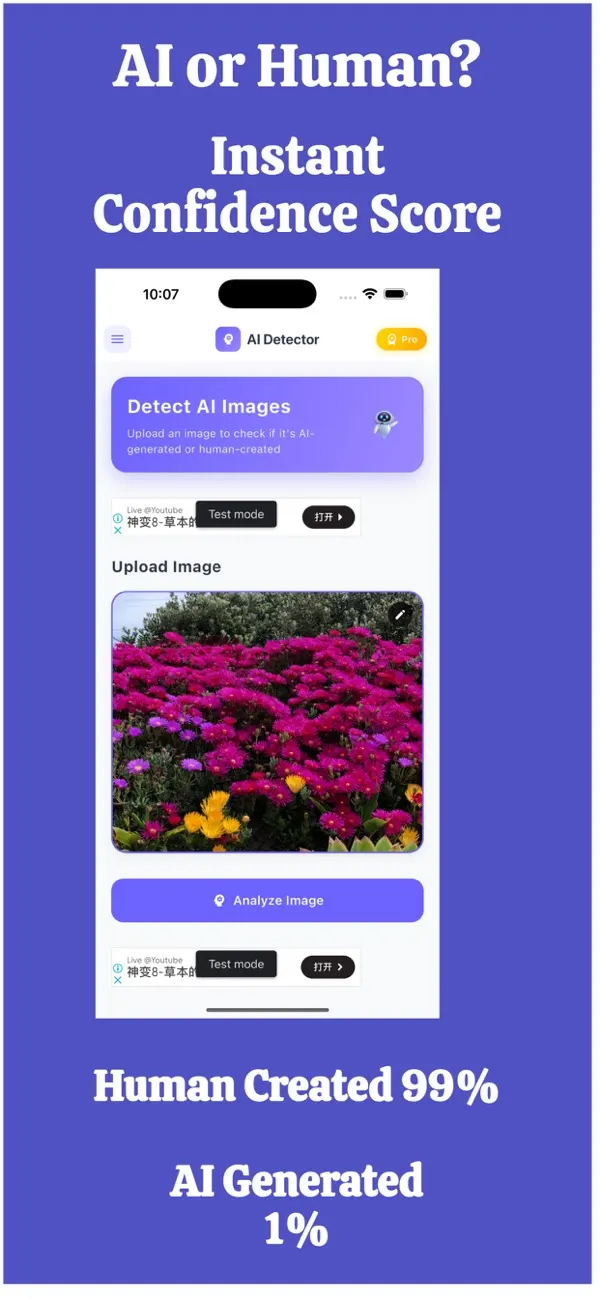
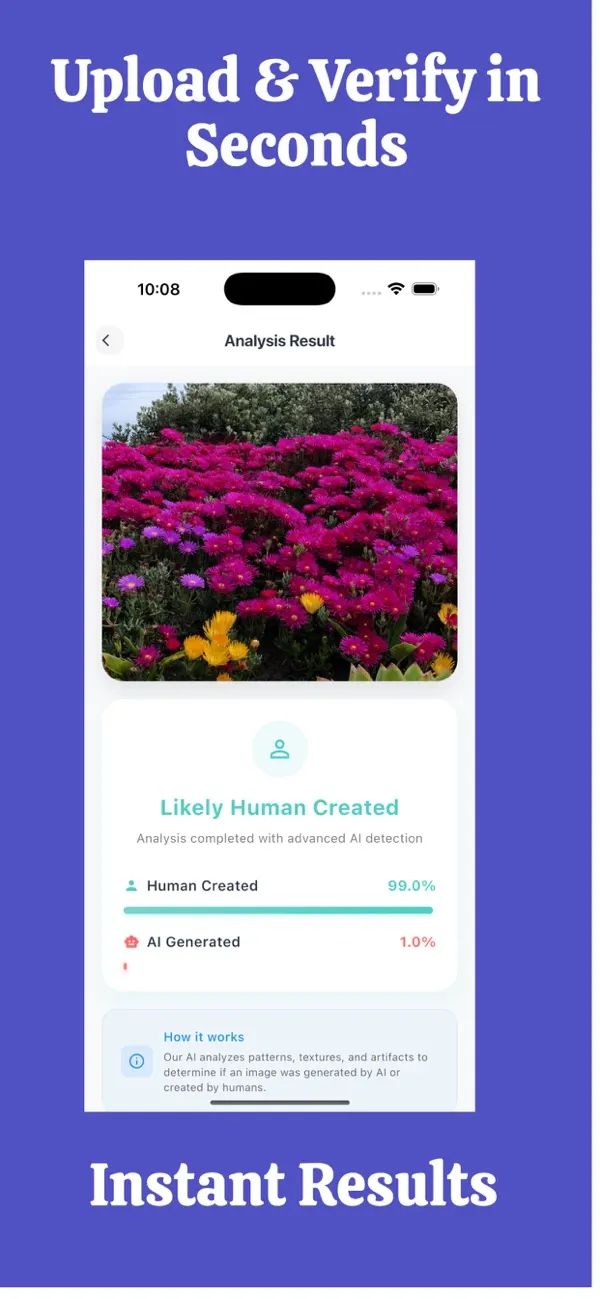
Screens are examples. Results are estimates and can be wrong.
Search for "free AI image detector" and you will find dozens of options, from web pages with a single upload box to iPhone apps with subscriptions. It is natural to wonder whether paying changes anything. The honest answer is that price alone does not make a result right or wrong. What changes is everything around the result: how often you can use it, what happens to your photo, and how much detail you get back.
What do free AI image detectors usually offer?
Free tools are good at one job: letting you try an image quickly. Typical traits:
- A simple verdict, sometimes with a percentage.
- Limits on how many images you can check, or how big the files can be.
- Advertising, or a prompt to upgrade after a few uses.
- Little detail on how the verdict was reached.
For a one-off check of a meme or a curious photo, that is often enough. The mistake is treating the verdict as final. Our guide to how to tell if an image is AI-generated explains why a detector should be one clue among several.
What do paid or subscription detectors add?
Paying does not buy certainty, but it can buy convenience and detail:
- Room to check regularly. If you vet listings, profile photos or news images every week, small free limits run out quickly.
- A confidence score. A score tells you how strongly the tool leans one way, which is more useful than a bare "AI" or "real" label.
- A report you can keep or send. Handy when you need to show a marketplace, a bank or a colleague what you checked.
- Support and updates. Image generators change fast; maintained tools can keep up.
Free vs paid: a comparison table
| What to compare | Typical free tool | Typical paid tool |
|---|---|---|
| Usage limits | Small, or per day | Larger, tied to the plan |
| Result detail | Verdict, sometimes a score | Score, sometimes explanation |
| Exportable report | Rare | More common |
| Ads or upsells | Common | Less common |
| Privacy terms | Check them | Check them |
Notice the last row. Whether a tool is free or paid says nothing about privacy. Read the policy either way.
What should you check before uploading a photo?
- Is the photo stored? Some tools keep uploads. Others do not. If the photo is private, this matters more than price.
- Does it show a score, not just a label? Scores help you judge borderline cases.
- Does it say it can be wrong? A tool that promises certainty is a red flag. Honest tools describe results as estimates.
- Is the pricing clear? Look for what is free, what needs a subscription and how to cancel, shown on the store page.
- Who makes it? A named developer and a contact point are a good sign.
When is free enough, and when is paid worth it?
Free is enough when you check an image once in a while and nothing important depends on the answer.
A paid option is worth considering when you check often, when you need a record of what you checked, or when a decision involves money, such as buying an item, renting a flat or answering a stranger online. Even then, combine the detector with human checks: a reverse image search, a look at the seller and common sense.
Where does FakeSpot fit?
FakeSpot is an iPhone app by AppVeda Software that checks whether a photo was made by AI and shows a confidence score. It has an exportable report, and your photos are not stored. It is free to download, and the subscription options are shown on the App Store page, so you can see them before deciding anything. Like every detector, it gives an estimate that can be wrong. For a wider comparison see our roundup of AI image detector apps for iPhone, and for the difference between tool types see AI photo detector vs AI image checker.
Common mistakes when choosing a detector
- Choosing the tool with the boldest claim. Treat promises of perfect results as a warning.
- Uploading private photos without reading what happens to them.
- Trusting one result on a screenshot or a heavily edited picture.
- Ignoring the source of the image because the detector "said it was fine".
What does a good result page look like?
Whatever you pay, a useful result tells you more than a single word. Look for a confidence score, a plain-language reminder that the result is an estimate, and ideally a date so you can show when you checked. Be wary of pages that celebrate a "100 percent real" badge, because that wording invites people to stop thinking. If a result will be shown to someone else, such as a marketplace support team, a short written report is far more convincing than a screenshot of a green tick.
A quick example
Imagine you are about to rent a flat from a listing with eight glossy photos. A free check of one photo gives a vague answer. Because money is involved, you decide to check all eight, compare the scores, run a reverse image search and save a report. In that situation the extra room and the report are worth more than the price of the tool. If instead you are idly curious about a viral picture, the free route is plenty.
What should you do next?
Pick one tool, learn how to read its score, and pair it with the manual checks. If you use an iPhone, checking a picture on iPhone walks through the practical steps. Browse more in the FakeSpot guides, or see other apps from AppVeda Software on the AppVeda apps page.
FakeSpot: AI Image Detector
Free to try on the App StoreUpload or snap any photo and FakeSpot tells you in seconds whether it was made by AI tools like Midjourney, DALL-E or Stable Diffusion. Free on iPhone.
Download on theApp Store App details →
More from AppVeda Software
- Create AI images with Imagine, our AI image generator (3 free images). Then check how AI images look to a detector.
- Need to check text, not photos? FakeSpot on the web checks text (free plan: 1,000 words a month). Image checks there are on paid plans ($9.99/month or $89.99/year).
- AppVeda Software also builds AI-powered mobile apps for businesses. See all our apps.
Frequently asked questions
Are free AI image detectors accurate?
They can be useful, but no detector is perfect. Free and paid tools alike give estimates, and both can miss edited or heavily compressed images. Use the result as a clue.
Is a paid AI image detector better than a free one?
Not automatically. Paid tools often offer more room to check images, a confidence score and reports, but you should still read how they describe their limits.
Do AI image detectors store my photos?
It depends on the tool. Check the privacy policy before uploading. FakeSpot does not store photos.
What should I look for in a detector report?
A confidence score, the date of the check and a clear note that the result is an estimate. A report is useful when you need to show others what you checked.
Should I use a detector for every image?
No. Use it when the image matters, for example before sending money or sharing something that could mislead others.
Related reading
About the author
Praful Deshmukh is the founder of AppVeda Software. He builds and publishes iPhone apps, including FakeSpot and Imagine. More about Praful · His apps on the App Store
 ImagineTurn text into stunning AI art
 AI Skin ScannerScan your skin from a selfie
 India AQILive air quality for Indian cities
 AI Video DetectorIs that clip real or AI?