Quick answer: To run a WhatsApp AI chatbot in the UAE you need the official WhatsApp Business API (not the normal WhatsApp Business app), a verified business, approved message templates, and an AI layer trained on your own information. A focused first version usually takes 2–4 weeks.
📲 Try our free AI apps: built by the team writing this guide
 ImagineTurn text into stunning AI art
 AI Skin ScannerScan your skin from a selfie
 India AQILive air quality for Indian cities
 AI Video DetectorIs that clip real or AI?
In the UAE, customers message businesses on WhatsApp at all hours, in English and Arabic. A good WhatsApp AI chatbot answers instantly, collects details and hands over to your team when needed. Here is how to build one properly.
Step 1: Get on the WhatsApp Business API
- The free WhatsApp Business app cannot be automated at scale. Chatbots need the WhatsApp Business API (Meta Cloud API or a provider).
- You need a verified Meta Business account, a phone number not in use on normal WhatsApp, and a display name that matches your brand.
- Messages you start (reminders, offers) need pre-approved templates. Replies within 24 hours of the customer's message are free-form.
Step 2: Decide what the bot should do
Pick 3–5 jobs first. Typical UAE use cases:
- Real estate (Dubai and Sharjah): answer listing questions, ask budget, area and timeline, book viewings.
- Clinics and salons: timings, prices, booking and reminders.
- Retail and e-commerce: order status, returns, product questions.
- Trading companies: price list requests, quotation follow-ups.
Step 3: Ground the AI in your information
The bot should answer only from your approved content: price lists, FAQs, policies, product details. This approach is called retrieval-augmented generation (RAG). When the answer is not in your content, the bot says so and offers a person. That single rule prevents most embarrassing answers.
Step 4: Arabic and English
Modern AI models handle both languages well, but test real customer messages in each. Many Dubai customers mix languages in one message. Keep your templates in both languages, and make sure numbers, dates and currency (AED) display correctly.
Step 5: Hand-off and integrations
- Always offer "talk to a person", and route the chat to the right staff member with the details already collected.
- Push leads into your CRM or Google Sheet automatically.
- Connect bookings to your calendar or system so the bot can confirm real slots.
Example flow: a Dubai real estate broker
- Lead clicks a WhatsApp ad: "Hi, is the 2-bedroom in JVC still available?"
- Bot (in the customer's language): confirms availability from your listing data and shares key details.
- Bot asks: budget, move-in date, cash or mortgage, and preferred viewing time.
- Bot offers two viewing slots from the agent's calendar and books one.
- The agent receives a WhatsApp summary with all answers; the lead is saved in the CRM.
- A day before the viewing, an approved template sends a reminder.
Every step after the first message happens in seconds, even at midnight, which is exactly when many enquiries arrive.
Data protection in the UAE
Chat conversations contain personal data, so design with the UAE Personal Data Protection Law (PDPL) in mind: collect only what you need, tell customers how you use it, limit who can see chats, and keep an audit trail. If you are in DIFC or ADGM, their own data rules also apply. Store API keys on your servers, never in the chat widget or app.
What it costs
Industry estimates for the UAE put an AI chatbot at $8,000–20,000 to build, plus $200–2,000 per month for AI usage depending on volume (source: Decipher Zone, 2026). WhatsApp also charges per conversation for business-initiated messages, which varies by country and category. Ask for a monthly running-cost estimate at your current message volume before you start.
Common mistakes
- Using the normal WhatsApp Business app with unofficial tools, which risks your number being banned.
- Letting the bot answer from general internet knowledge instead of your content.
- No human hand-off.
- Sending bulk promotional messages without opt-in.
- Launching without testing 50–100 real customer questions first.
Real experience
We have built WhatsApp chatbots on the official Business API for clients, and we work with UAE businesses remotely with working hours that overlap almost fully with Dubai time (see AI automation in the UAE). One client told us the bot "significantly improved our customer communication by automating responses and ensuring faster interaction with users" (see our client reviews). We also run AI in production in our own apps, FakeSpot and Imagine, so we know what AI usage really costs per user.

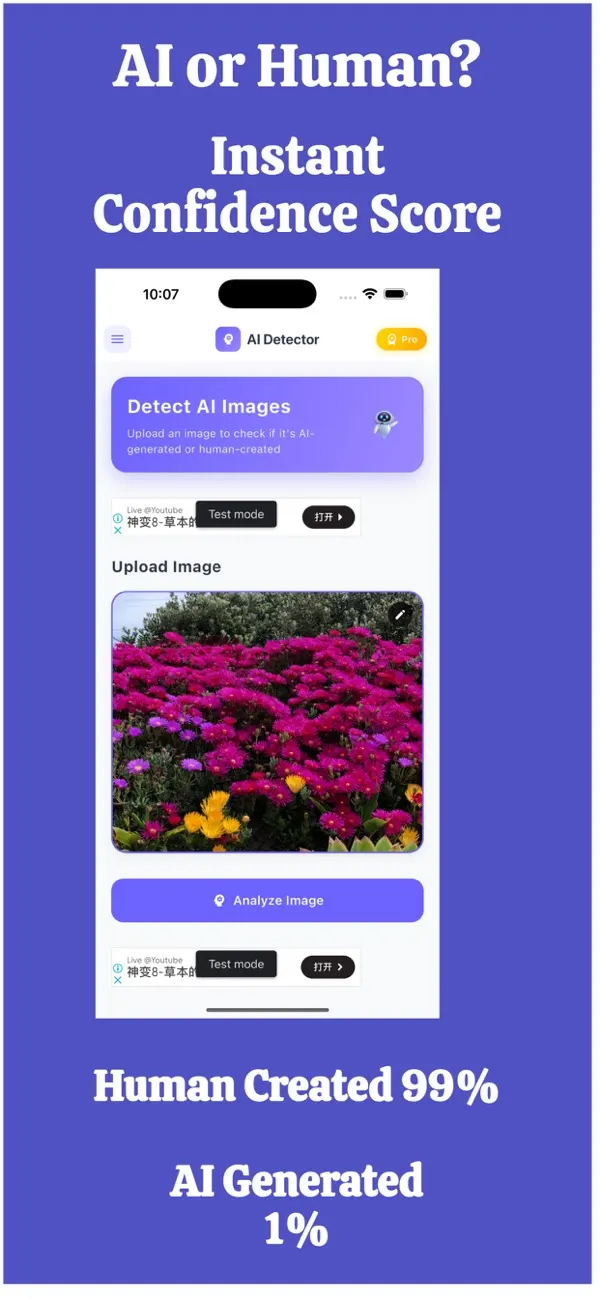
FakeSpot: AI Image Detector
Free on the App StoreUpload or snap any photo and FakeSpot tells you in seconds whether it was made by AI tools like Midjourney, DALL-E or Stable Diffusion. Free on iPhone.
Download on theApp Store App details →
Frequently asked questions
Can I use the normal WhatsApp Business app for a chatbot?
Not reliably. Automated chatbots need the official WhatsApp Business API. Unofficial tools on the normal app risk your number being blocked.
Can a WhatsApp chatbot reply in Arabic?
Yes. Current AI models handle Arabic and English well. Test with real customer messages, including mixed-language ones, before launch.
How long does it take to build a WhatsApp AI chatbot?
A focused first version with 3–5 jobs, your content and a human hand-off usually takes 2–4 weeks, plus the time for Meta business verification.
How much does WhatsApp charge for chatbot messages?
WhatsApp charges per conversation for business-initiated messages, with rates depending on country and message category. Replies within the customer service window cost less or nothing.
Related reading
Planning something similar? See our AI chatbot development service, or tell us about your project for a free 30-minute call.