Quick answer: For most business apps in 2026, Flutter is the best value: one codebase for Android and iOS, near-native performance and lower maintenance. Choose React Native if your team is already strong in JavaScript/React, and native (Swift/Kotlin) only when you need deep hardware or platform-specific features.
📲 Try our free AI apps: built by the team writing this guide
 FakeSpotSpot AI-generated & fake photos
 AI Skin ScannerScan your skin from a selfie
 India AQILive air quality for Indian cities
 AI Video DetectorIs that clip real or AI?
Choosing the technology for your app decides how much you pay now, how fast you launch, and how expensive every future update will be. Here is a plain comparison of the three main options, written from the experience of shipping our own apps and client apps.
The three options in one table
| Flutter | React Native | Native (Swift + Kotlin) | |
|---|---|---|---|
| Codebases | 1 (Dart) | 1 (JavaScript/TypeScript) | 2 separate apps |
| Performance | Near-native, smooth UI | Good, can need native tuning | Best possible |
| UI consistency | Pixel-identical on both platforms | Uses native components, small differences | Fully platform-specific |
| Typical cost range* | $10k–150k | $10k–140k | $30k–220k for both apps |
| Best for | Most business and consumer apps | Teams already using React | Games, heavy AR, deep OS features |
*Industry estimates for the UAE market (source: Decipher Zone, 2026). Indian team costs are usually lower.
Why we build most apps in Flutter
- One team, two platforms. The same developers ship Android and iOS together, so features never fall out of sync.
- Fast UI work. Flutter draws its own UI, so complex designs and animations look identical on every phone.
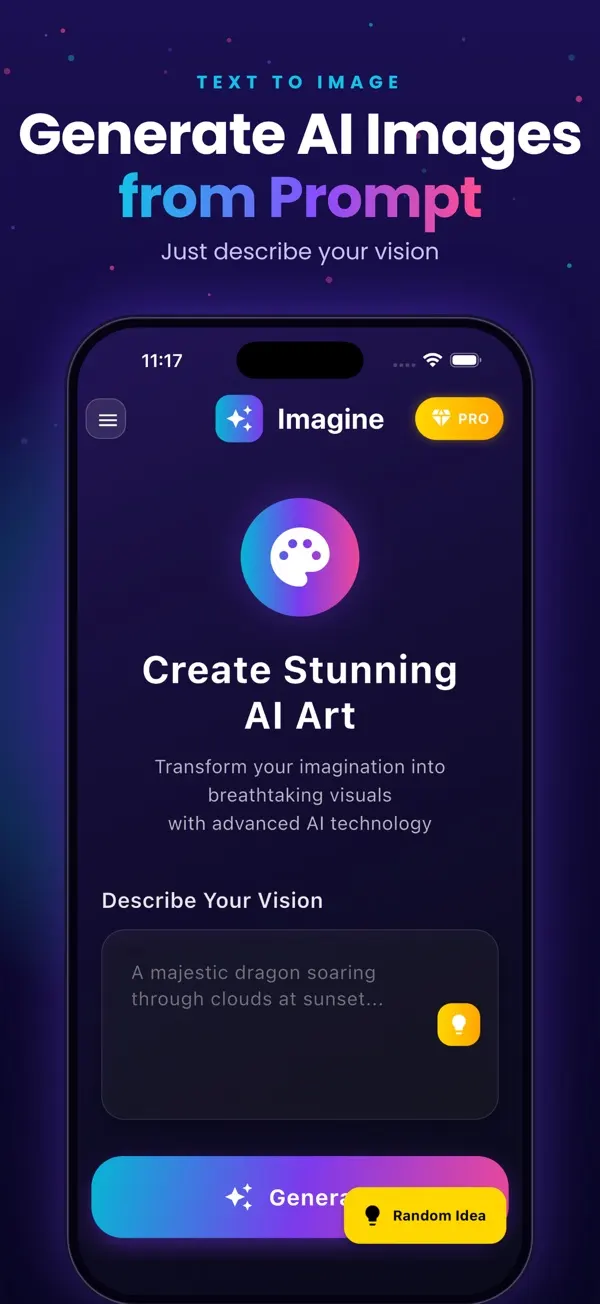
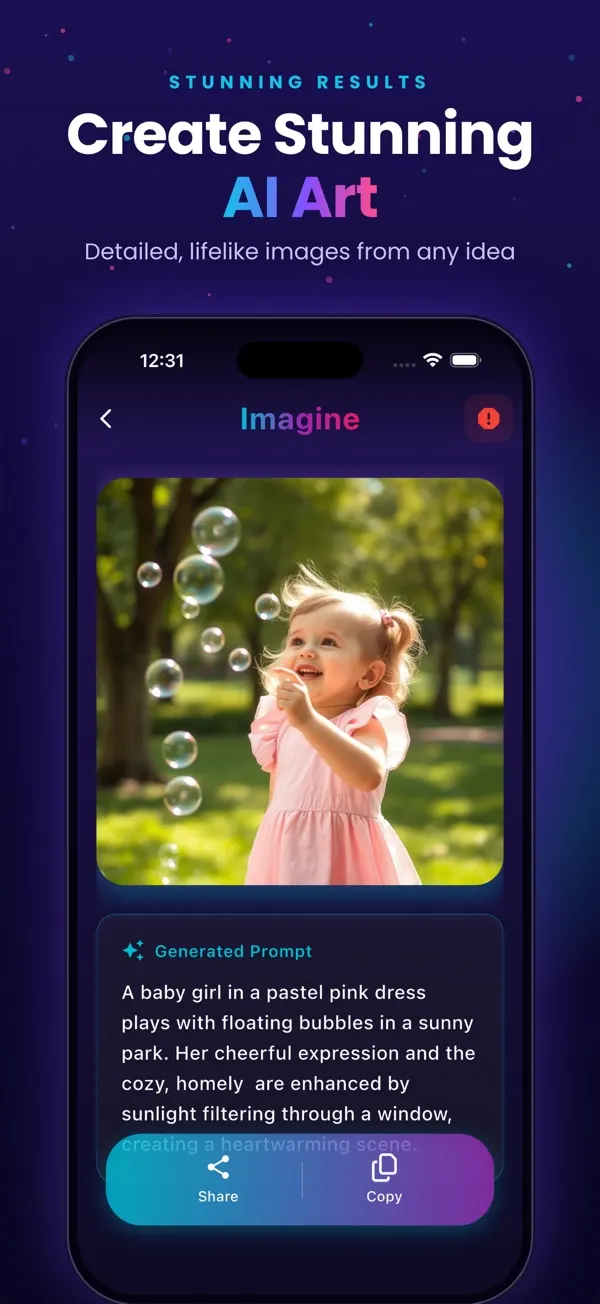
- Good enough for AI apps. Our live App Store apps FakeSpot (AI image detection) and Imagine (AI image generation) are built with this approach: the heavy AI work runs on a secure backend and the Flutter app stays light and fast.
- Lower maintenance. One codebase means one set of bugs, one set of updates and one test cycle.
When React Native makes more sense
If your company already has React web developers who will maintain the app, React Native lets them reuse their skills and some business logic. It is also a reasonable choice when the app is mostly forms and lists and you want to share code with a React web app.
When to go fully native
- Games and graphics-heavy apps
- Apps that depend on brand-new iOS or Android features on day one
- Advanced AR, Bluetooth hardware control or background processing at the edge of what the OS allows
For these cases the extra cost of two codebases is justified. For a typical booking, e-commerce, fitness, healthcare or field-service app, it usually is not.
Maintenance cost over 2–3 years
The build is a one-time cost; maintenance is forever. Every year Apple and Google release new OS versions, devices and store rules. With two native apps you pay for that work twice. With Flutter or React Native you mostly pay once. Over two or three years this difference often matters more than the initial build price. A common rule of thumb is 15–20% of the build cost per year for maintenance.
Hiring and team availability
- Flutter: a fast-growing developer pool, especially strong in India.
- React Native: easy to staff if you already have React web developers.
- Native: you need two specialists (iOS and Android), which costs more and takes longer to hire.
What sits around the app matters as much
The framework is only the front end. A production app also needs a backend, notifications, payments and analytics. Our usual stack around Flutter is Firebase or Java Spring Boot / Node.js for the backend, OneSignal for push notifications, RevenueCat for in-app subscriptions, and OpenAI, Claude or Gemini when the app needs AI. Choosing these well saves more money than the framework choice itself.
Questions to ask before you decide
- Who will maintain the app after launch, and what languages do they know?
- Do you need any hardware feature that cross-platform plugins don't support?
- How important is launching on Android and iOS at the same time?
- What is your budget for the first version and for the next two years?
Our recommendation
Start with Flutter unless you have a specific reason not to. You get both platforms for close to the price of one, and if a single feature ever needs native code, Flutter lets you add it without rewriting the app. See our mobile app development service for how we plan and ship Flutter apps.

Imagine: AI Image Generator
Free on the App StoreType an idea and Imagine turns it into high-quality AI art in seconds: posters, social posts, product ideas and more. Free on iPhone.
Download on theApp Store App details →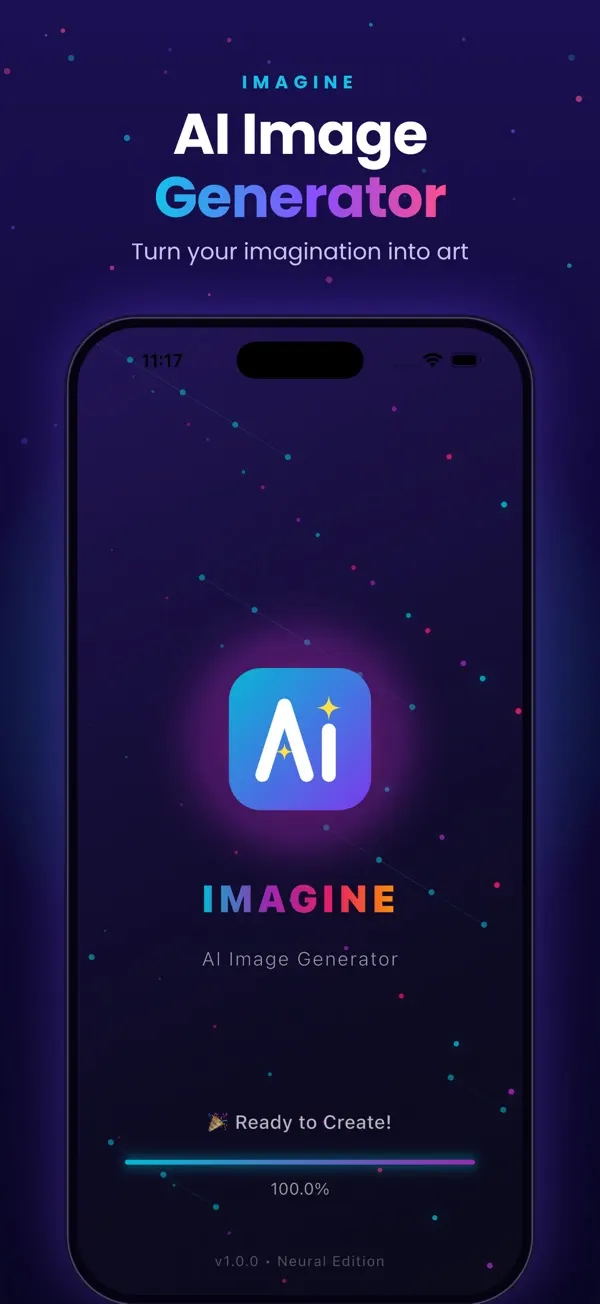
Frequently asked questions
Is Flutter better than React Native in 2026?
For most business apps, Flutter offers more consistent UI and performance across Android and iOS. React Native is a good choice if your team already works with React.
Is Flutter good for large apps?
Yes. Flutter is used for large production apps. Good architecture and a well-designed backend matter more than the framework.
Can a Flutter app use AI features?
Yes. AI features such as chatbots, image analysis or image generation run on a backend or via device plugins, and the Flutter app displays the results, as in our FakeSpot and Imagine apps.
Is native development worth the extra cost?
Only for apps that need cutting-edge OS features, heavy graphics or deep hardware control. Most business apps do not.
Related reading
Planning something similar? See our Flutter app development service, or tell us about your project for a free 30-minute call.