Quick answer: Start where work is repetitive, rule-based and high-volume: answering common questions, reading documents, routing enquiries, sending reminders and preparing reports. Keep humans on decisions involving money, customers in trouble and anything legal.
📲 Try our free AI apps: built by the team writing this guide
 AI Skin ScannerScan your skin from a selfie
 India AQILive air quality for Indian cities
 AI Video DetectorIs that clip real or AI?
AI automation works best when you pick boring, frequent tasks first. Here are ten that pay off quickly for most small and medium businesses.
| # | Process | What AI / automation does | What stays human |
|---|---|---|---|
| 1 | Customer FAQs | Answers from your approved content, 24/7 | Complaints, special cases |
| 2 | Lead qualification | Asks budget, need, timeline; books calls | The sales conversation |
| 3 | Invoice and document data entry | Reads fields, fills your system | Approving payments |
| 4 | Payment and renewal reminders | Sends on time via WhatsApp/SMS/email | Negotiating dues |
| 5 | Enquiry routing | Classifies and assigns to the right person | Handling the case |
| 6 | Weekly reports | Builds the report and writes a summary | Decisions |
| 7 | Appointment scheduling | Offers slots, confirms, reminds | Exceptions |
| 8 | Internal knowledge questions | Answers staff from SOPs and policies | Policy changes |
| 9 | Approvals workflow | Collects details, routes, reminds, logs | The approval itself |
| 10 | Content drafts | Drafts descriptions, replies, posts | Final review |
How to pick your first one
- List tasks your team repeats every day.
- Estimate hours per week for each.
- Pick the one with the most hours and the clearest rules.
- Measure "before": time spent, errors, response time.
Automation, chatbot or AI agent?
Many of these need no AI at all, just good workflow automation. Use AI where language or judgement is involved (understanding messages, reading documents). Use an AI agent only when the system must take actions on its own.
A 30-day starter plan
| Week | Action |
|---|---|
| 1 | List repetitive tasks, estimate hours, pick one |
| 2 | Write the rules on one page; collect the data or documents it needs |
| 3 | Build and test with real examples; a person reviews every output |
| 4 | Go live for part of the volume; measure against your baseline |
Common pitfalls
- Automating a broken process. Fix the process first, then automate it.
- No owner. Every automation needs one person responsible for it.
- Letting AI act on money or customer commitments without approval.
- Not telling staff what changes, so they work around the new system.
Measuring results
- Hours saved per week
- First-response time for customers
- Error rate (wrong entries, missed reminders)
- Revenue recovered (renewals, follow-ups)
Real examples
Reminders and receipts in our Powerzone gym system, approvals and audit exports in a government MIS portal, and AI image analysis in our own FakeSpot app all started from one clear, repetitive task.

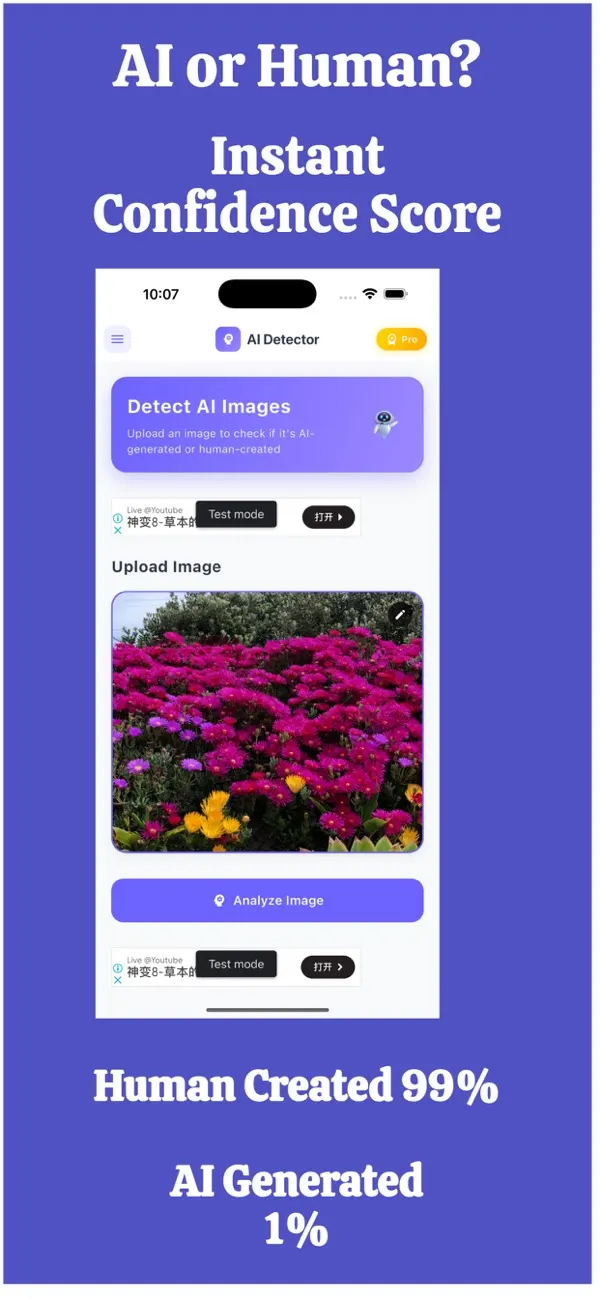
FakeSpot: AI Image Detector
Free on the App StoreUpload or snap any photo and FakeSpot tells you in seconds whether it was made by AI tools like Midjourney, DALL-E or Stable Diffusion. Free on iPhone.
Download on theApp Store App details →

Imagine: AI Image Generator
Free on the App StoreType an idea and Imagine turns it into high-quality AI art in seconds: posters, social posts, product ideas and more. Free on iPhone.
Download on theApp Store App details →


Frequently asked questions
What is the easiest process to automate with AI?
Answering common customer questions from your own content and sending reminders are usually the quickest wins.
Do all automations need AI?
No. Many processes only need rule-based workflow automation. AI is useful where language, documents or judgement are involved.
How do I measure AI automation results?
Track hours saved, response time, error rate and revenue recovered, compared with a baseline before automation.
Is AI automation expensive for a small business?
Starting with one focused process keeps cost low, and many automations pay back within months through saved time.
Related reading
Planning something similar? See our AI business automation service, or tell us about your project for a free 30-minute call.