Quick answer: Before you submit: developer accounts in your company name, a privacy policy URL, accurate privacy and data forms, screenshots for each required device size, a working demo login for reviewers, and testing on real devices. Most rejections come from missing information, not bad code.
📲 Try our free AI apps: built by the team writing this guide
 AI Skin ScannerScan your skin from a selfie
 India AQILive air quality for Indian cities
 AI Video DetectorIs that clip real or AI?
We publish our own apps, including FakeSpot and Imagine, so we go through Apple and Google review regularly. This is the checklist we use.
1. Accounts (start on day one)
- Apple Developer Program: $99/year. Organisation accounts need a D-U-N-S number, which can take time.
- Google Play Console: $25 one-time. New personal accounts may need closed testing before production.
- Both in your company's name, not the agency's.
2. Store listing
- App name and subtitle with your main keyword (no keyword stuffing)
- Clear description: what it does, who it is for, key features
- Screenshots that show benefits, not just screens
- App icon that is readable at small sizes
- Support URL and marketing URL
3. Privacy and compliance
- Privacy policy URL that matches what the app really does
- Apple App Privacy "nutrition label" and Google Data safety form filled honestly
- Account deletion option if users can create accounts
- Subscriptions: clear price, period and restore-purchases button
- AI apps: content moderation and reporting where users can generate content
4. Review readiness
- Demo login and notes for the reviewer
- No placeholder text, broken links or "coming soon" screens
- App works without crashing on the latest OS versions
5. Testing
- Real devices: small and large phones, older and newer OS versions
- Poor network and offline behaviour
- TestFlight (iOS) and internal / closed testing (Android) with real users
6. After launch
- Watch crash reports daily for the first two weeks.
- Reply to reviews; ask happy users for ratings at the right moment.
- Improve screenshots and subtitle based on store analytics (App Store Optimisation).
- Ship a small update within the first month; it shows the app is alive.
Common rejection reasons
- Missing demo account or broken login
- Privacy policy missing or inaccurate
- Subscription terms unclear
- App too simple or similar to a website ("minimum functionality")
Need help launching?
We handle store setup, listings and review as part of our app development service. See all our live apps on the apps page, and read how we plan versions in our 12-day MVP process.

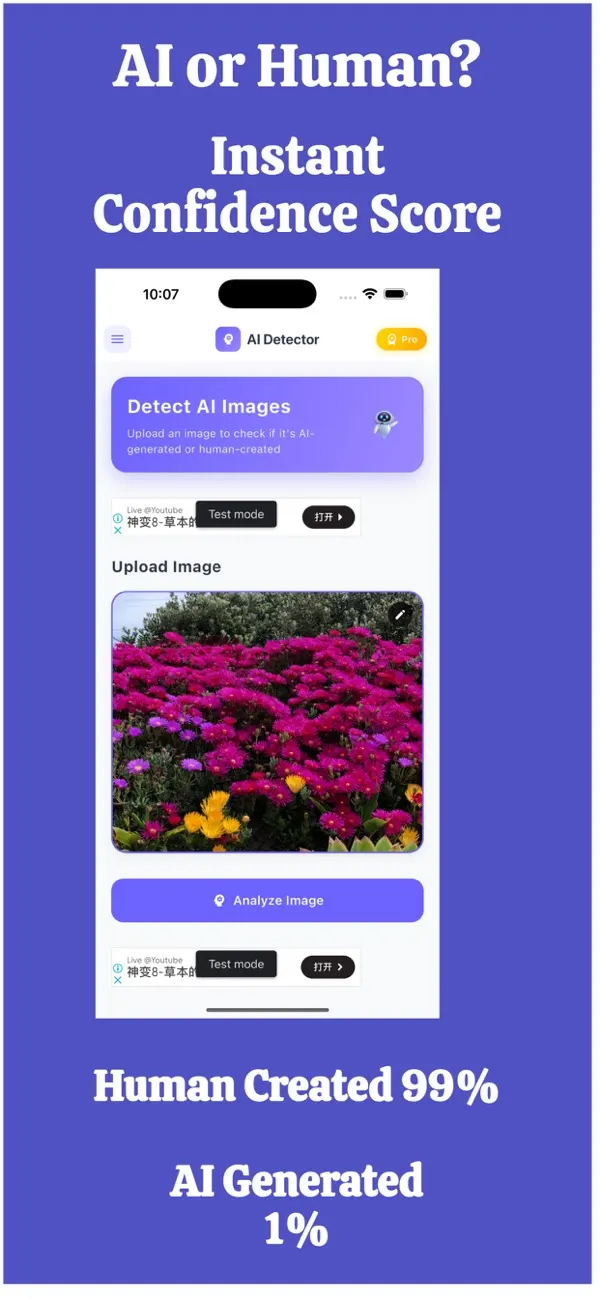
FakeSpot: AI Image Detector
Free on the App StoreUpload or snap any photo and FakeSpot tells you in seconds whether it was made by AI tools like Midjourney, DALL-E or Stable Diffusion. Free on iPhone.
Download on theApp Store App details →

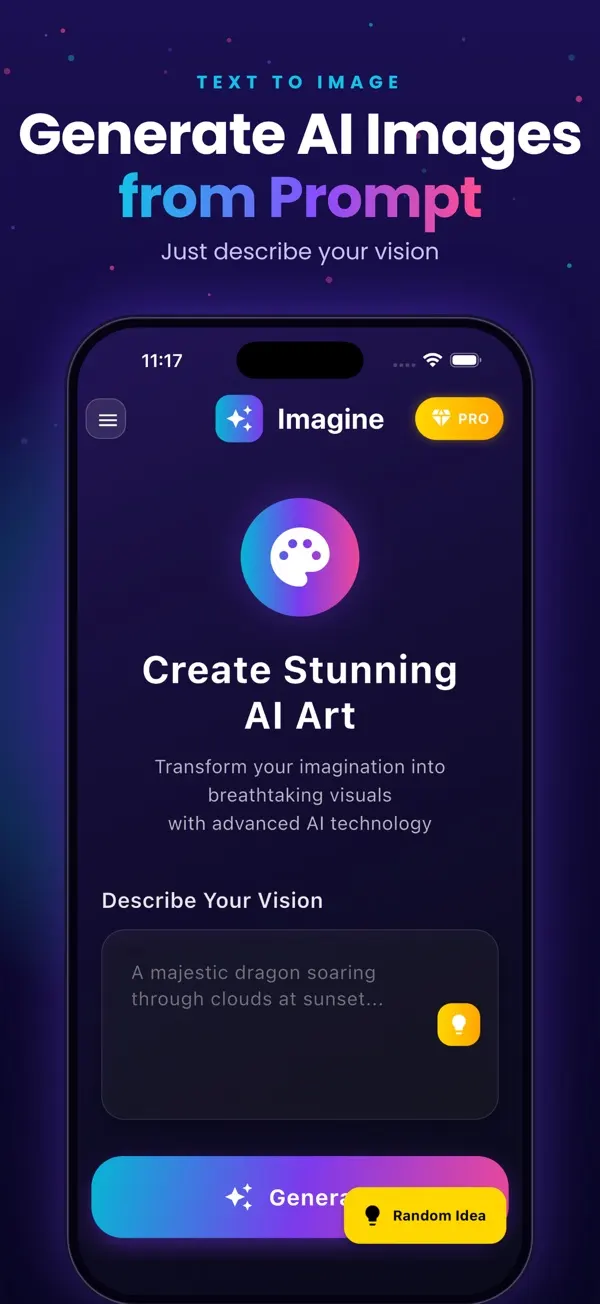
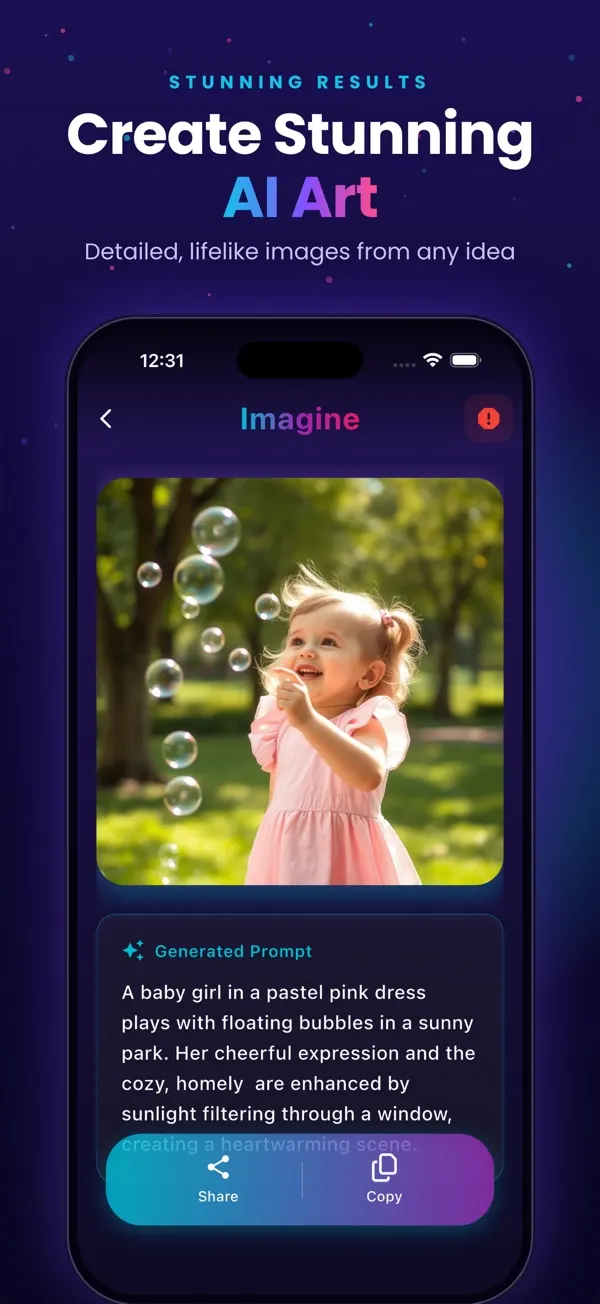
Imagine: AI Image Generator
Free on the App StoreType an idea and Imagine turns it into high-quality AI art in seconds: posters, social posts, product ideas and more. Free on iPhone.
Download on theApp Store App details →
Frequently asked questions
How long does App Store review take?
Often a day or two, but it varies. Rejections add time, so prepare demo logins, privacy details and complete listings before submitting.
Do I need a privacy policy to publish an app?
Yes. Both Apple and Google require a privacy policy URL, and the store privacy forms must match what the app does.
Should the developer accounts be in my company name?
Yes. Owning the accounts means you own the app, its reviews and its users.
What is the most common reason apps get rejected?
Missing or incorrect information: no demo login, inaccurate privacy details, unclear subscriptions or placeholder content.
Related reading
Planning something similar? See our app development service, or tell us about your project for a free 30-minute call.